
Reviewed and updated: October 29, 2026
A first serious camera should make good results easy while keeping a path open for learning. These current mirrorless options differ in viewfinder style, video emphasis, and system feel.
How we chose these beginner cameras
We started with the way a child or teenager will actually use the gear, not with the longest specification sheet. A good family recommendation should be understandable, comfortable to hold, and realistic to supervise. We gave extra weight to simple controls, dependable automatic modes, sensible size and weight, and accessories that are easy to replace. For connected devices, we also considered parental controls and whether the product can be used without turning every activity into more screen time.
Model names matter. Older versions can look nearly identical in marketplace listings, so the links use the complete name shown in each card. Check the listing title, included accessories, color or storage variant, and seller before ordering. We intentionally do not quote a price, stock status, rating, or delivery promise because those details change.
BEST FOR EASIEST FIRST SYSTEM
Canon EOS R50
The EOS R50 is compact, approachable, and capable enough for an older child or teen to grow beyond automatic mode.
Why it belongs on the shortlist
Start with one kit lens. Add equipment only after the photographer can explain the limitation they are trying to solve.
BEST FOR TRADITIONAL PHOTO LEARNING
Nikon Z50 II
The Z50 II offers a comfortable grip and direct camera experience for beginners who want to learn still photography intentionally.
Why it belongs on the shortlist
It may feel larger than the smallest bodies. Compare complete kit weight and choose a practical everyday lens.
BEST FOR BEGINNER VIDEO CREATORS
Sony ZV-E10 II
The ZV-E10 II favors a screen-led hybrid workflow for beginners who plan to make both photos and video.
Why it belongs on the shortlist
It is not the best match for someone who strongly prefers an eye-level viewfinder. Pair the choice with actual project goals.
Choose for the child, not the feature list
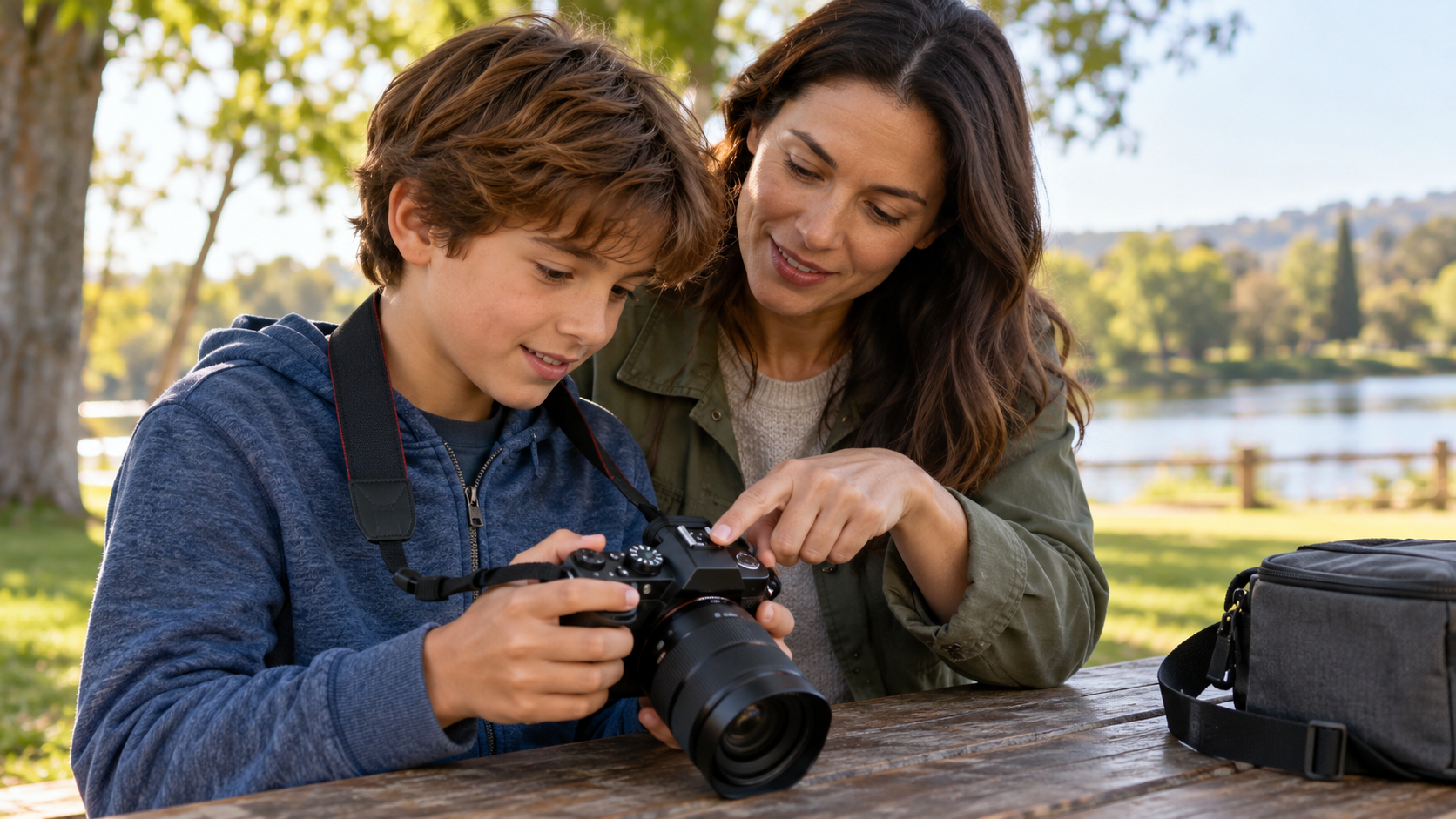
Handle the camera if possible. Grip comfort, menu clarity, and whether the child prefers a viewfinder will affect daily use more than a small specification difference.
For younger children, a smaller device is not automatically easier. Buttons should be large enough to identify, the grip should be secure, and a wrist or neck strap should fit correctly. Older children and teenagers may benefit from more manual control, but only if they are interested in learning it. A simpler camera that goes on every outing will usually create more useful practice than a more advanced model left at home.
Budget for the complete setup
The purchase is only part of the cost. Depending on the category, you may also need a memory card, protective case, spare battery, film, replacement paper, propeller guards, or a durable tablet case. Confirm what is included in the exact listing. Avoid mystery accessory bundles that replace a clear product description with a long list of low-value extras. It is usually better to buy the right core device and add one or two useful accessories.
Plan a simple storage routine before the first project. Label the device and its charger, keep removable media in one place, and transfer important photos or videos to a family library. A child should not have to remember the only copy of a meaningful image is sitting on a device that may be dropped, reset, or lost.
Safety and family rules
Use a strap, a padded bag, and a consistent place for batteries and cards. Teach the child to turn the camera off before changing lenses or removing storage.
Set the rules before the device comes out: where it may be used, who can appear in photos, when an adult needs to help, and where files may be shared. Location data and automatic cloud uploads deserve special attention. For drones, water use, bicycles, or outdoor filming, physical safety comes first and the camera stays secondary.
Questions parents often ask
Should I buy the most advanced model my budget allows?
No. Buy the simplest model that supports the projects the child wants to make. Better handling, clearer controls, and regular use matter more than unused features.
Are marketplace bundles a good value?
Sometimes, but verify the exact model and every included item. A bundle should not be the reason to accept an older camera, undersized memory card, weak case, or unclear warranty.
How long should a first device last?
That depends on care and growing interests. Choose enough capability for the next few projects, then reassess when the child can explain what the current device prevents them from doing.
Our bottom line
Start with the use case, match the controls to the child, and verify the complete model name before buying. The three options above cover different needs rather than pretending there is one perfect choice for every family.
Continue with our age-by-age guide to choosing a kids camera, or browse the latest photography projects and parent guides.