
Drone Photography: 10 Important Tips for Safer, Better Photos
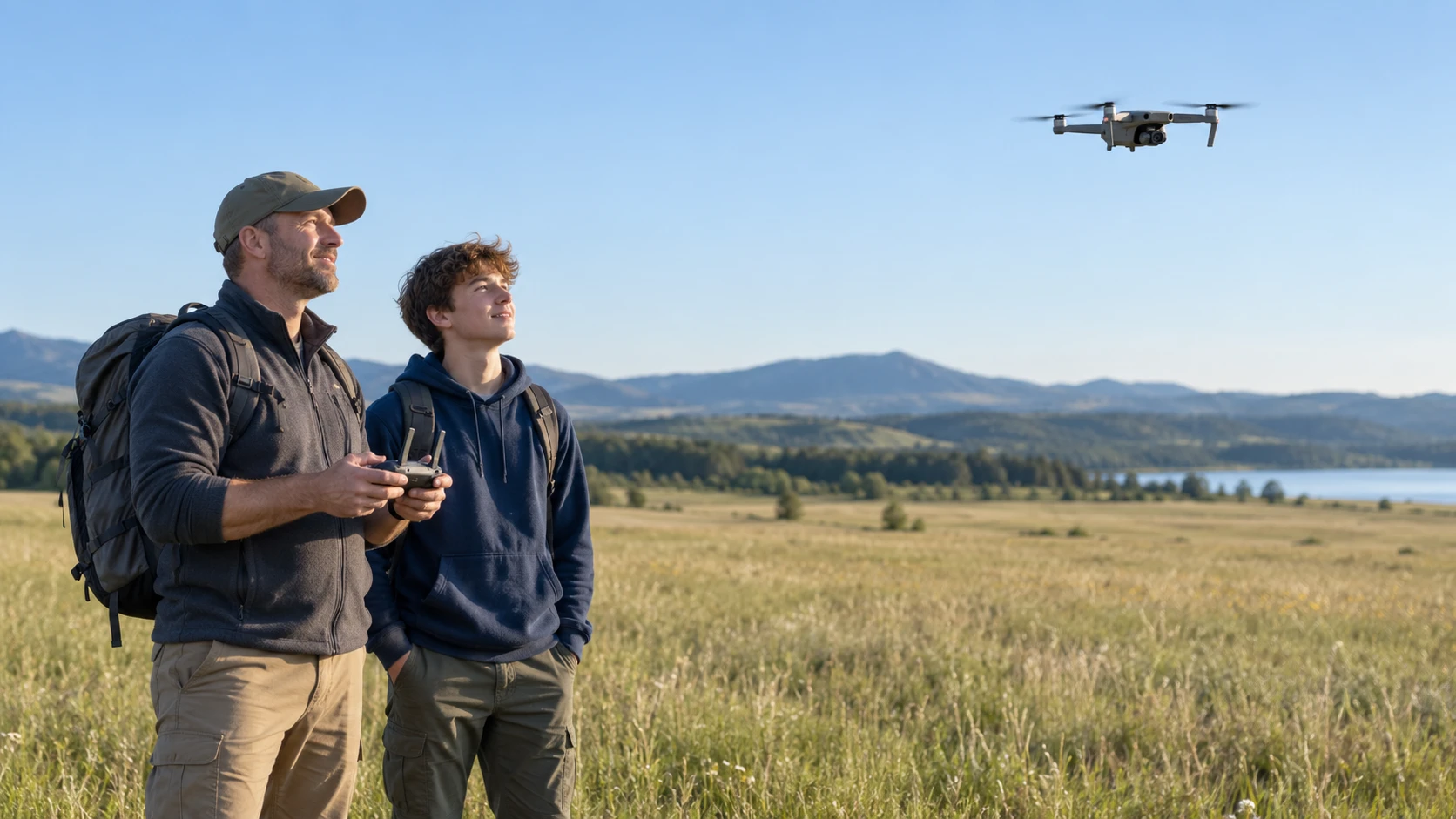
Drone photography combines composition with aviation responsibility. Rules and airspace restrictions can change, and requirements depend on location, aircraft weight, and purpose. An adult pilot should check current aviation authority guidance, local restrictions, weather, and the manufacturer’s instructions before every flight. Children should participate only under close adult supervision and within applicable law.
1. Learn the rules before choosing a location
Confirm registration, identification, training, and operating requirements with the current aviation authority. Check controlled airspace, temporary restrictions, parks, local ordinances, and property permission. Do not assume an open field is automatically legal.
2. Use a written preflight check
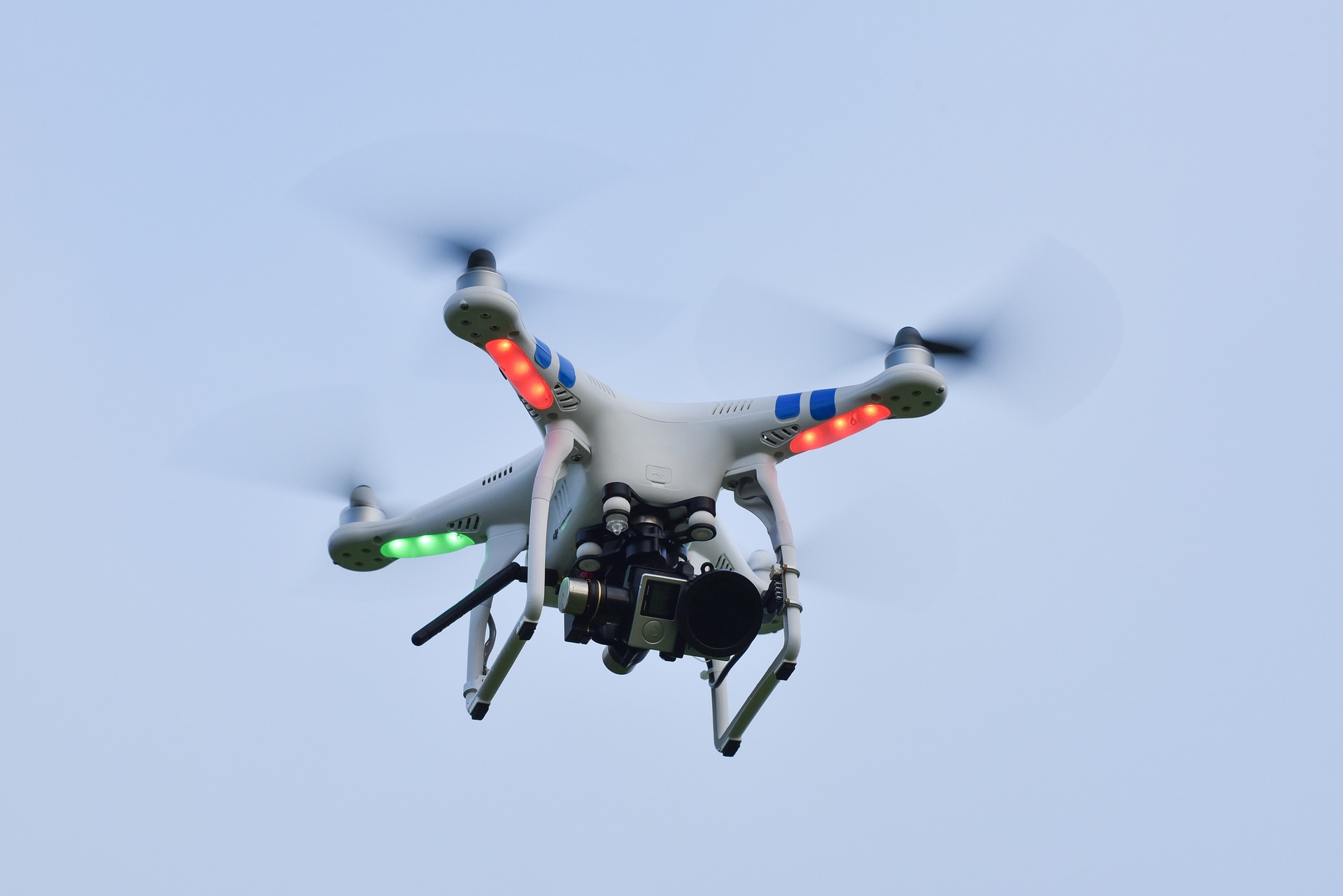
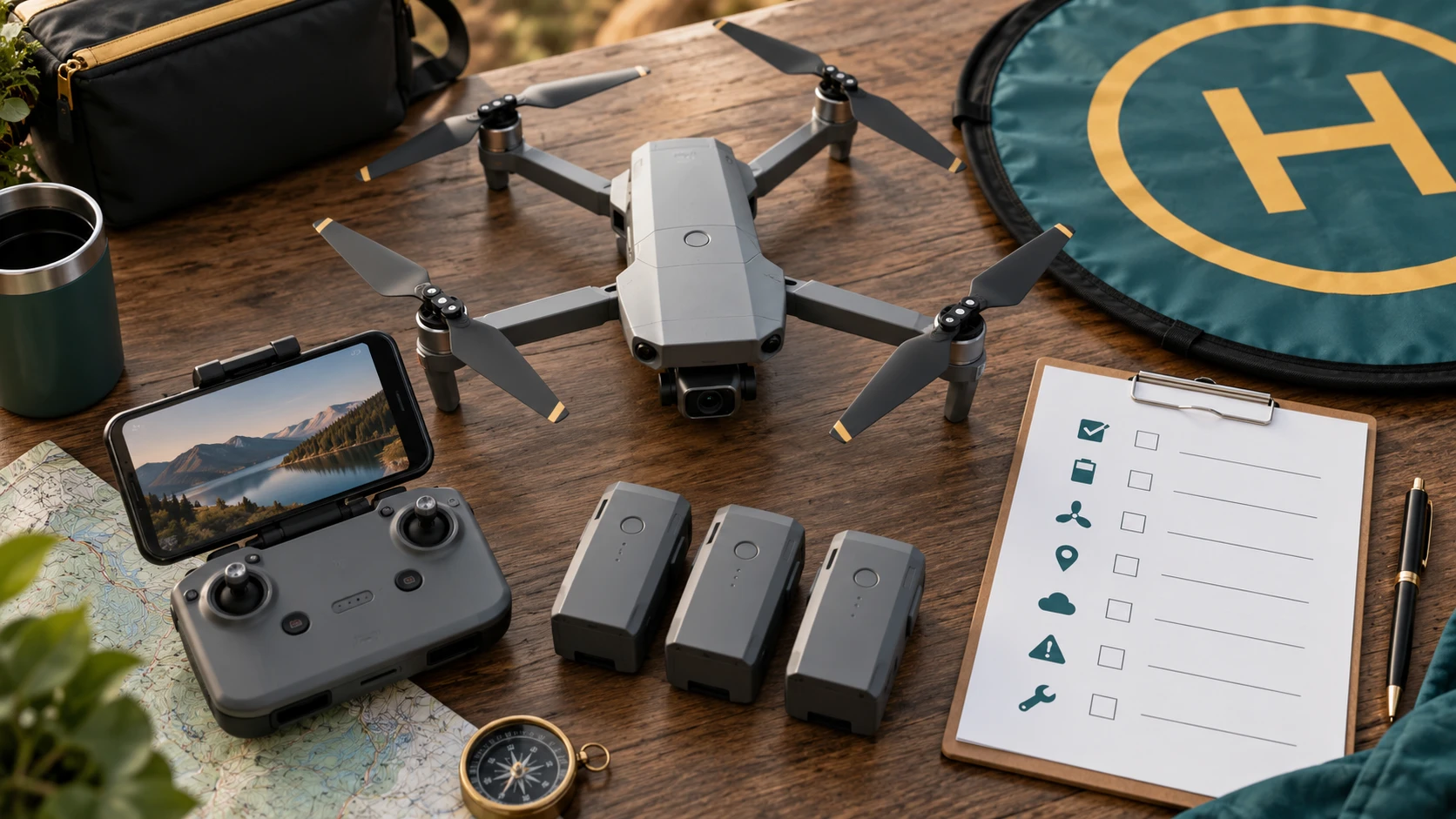
Inspect propellers, arms, batteries, memory card, controller, firmware status, home point, compass warnings, and return-to-home settings. Remove the gimbal cover and confirm that the camera view is clear. A repeatable checklist prevents avoidable losses.
3. Respect people and privacy
Do not fly over uninvolved people or create noise near homes, wildlife, emergencies, or sensitive events. Ask permission before making identifiable close views of private property or individuals. Follow rules for visual line of sight and keep a safe buffer.
4. Watch weather, wind, and light
Check ground and higher-altitude wind, temperature, precipitation, visibility, and sun direction. A drone may travel quickly downwind and struggle to return. Begin with calm conditions and keep a larger battery reserve than the app’s optimistic estimate.
5. Plan the photograph on the ground
Identify a subject, likely takeoff point, flight path, safe altitude, and background before launching. Look for leading lines, repeating patterns, shadows, and scale. A planned shot requires less hovering and saves battery.
6. Set exposure deliberately
Use the histogram and highlight warnings if available. Protect bright clouds and reflective water from clipping. A lower ISO generally gives cleaner detail, while shutter speed must remain fast enough for aircraft movement and wind. Capture RAW plus JPEG when the camera supports it and you plan to edit.
7. Move slowly for sharper results
Stop aggressive movement before taking a still picture. Allow the gimbal and aircraft to settle, then make a short burst or bracketed sequence. Smooth inputs also produce more usable video and reduce the risk of losing orientation.
8. Build depth with layers
Include a foreground shape, a clear subject, and background context when the scene supports it. Straight-down views work best when patterns or geometry carry the image. Oblique views can reveal scale, horizon, and landscape layers.
9. Monitor battery and connection
Turn back early when flying against wind. Never use the last portion of the battery as the plan. Watch aircraft position directly rather than relying only on the screen, and know the programmed behavior for lost signal and low battery.
10. Land before conditions become uncertain
Return when weather changes, people enter the area, the pilot loses orientation, equipment reports an error, or concentration fades. A missed photograph is cheaper than a damaged aircraft or unsafe flight. Review the log and images afterward to improve the next plan.
Keep the lesson short and specific
A short session with one clear goal usually works better than a long explanation. Tell the child what they are practicing, demonstrate it once, and then let them make several attempts. Stop before attention fades. A ten-minute exercise repeated next week builds stronger habits than a single hour packed with rules.
Review pictures with useful questions
Let the young photographer choose a favorite before offering feedback. Ask what they noticed, what they wanted the viewer to see, and what they might change next time. Point to one successful choice and one possible experiment. This keeps review connected to decisions rather than turning it into a judgment of whether a picture is simply good or bad.
Protect privacy while sharing
Children should ask permission before photographing people. Before any image leaves the family device, an adult should check the background for school names, house numbers, mail, screens, location clues, or other private details. A printed album, private family folder, or classroom display can provide an audience without requiring a public social account.
Build a simple progress habit
At the end of a project, save five photographs and add a short caption about the idea or technique. Revisit the folder after a month and compare the child’s new choices with earlier work. Progress becomes visible without comparing one child with another, and the captions help adults understand what the photographer intended.
Use mistakes as experiments
A blurred frame, dark face, tilted horizon, or awkward crop can become the start of the next attempt. Identify the likely cause, change one thing, and make another photograph. This process teaches observation and problem solving. It also shows that experienced photographers improve pictures through repeated decisions rather than getting every frame right the first time.
Before the activity begins, check the battery, storage space, strap, lens, and the place where everyone will stand. A calm setup prevents the lesson from being interrupted by equipment problems. It also gives children a repeatable preparation habit they can use whenever they pick up a camera.
Ask the photographer to predict what will change before making the next frame. They might expect a closer position to remove background clutter or side light to reveal more texture. Comparing the prediction with the result turns a casual picture into an observation exercise.
Keep the final selection small enough to discuss carefully. Five well-chosen photographs can show more intention than fifty similar attempts. Have the child arrange the pictures in an order, give the set a title, and explain why one frame opens or closes the sequence.
Return to the same subject on another day or in different light. Familiar subjects make technical changes easier to recognize because fewer variables are new. A second session can test one improvement while preserving the child’s original idea and sense of ownership.
Use plain language first and introduce technical terms after the child sees the effect. “Make the moving person sharper” creates a useful goal; shutter speed can then be explained as one way to reach it. The visible result gives the vocabulary a practical meaning.
Invite the child to demonstrate the lesson back to an adult or sibling. Explaining where to stand, how to focus, or why a background was chosen reveals what they understand. The demonstration can also uncover a confusing step without turning the session into a quiz.
Create a clear stopping point before attention or battery power runs out. Review the assignment, choose the keepers, and put equipment away safely. A consistent ending helps children value selection and care as parts of photography rather than treating the shutter press as the whole process.
If the first idea becomes frustrating, simplify the subject or move to better light instead of adding more instructions. Success with a smaller challenge restores momentum. The more difficult version can return later when the child has a dependable grip, focus routine, and review habit.
Editorial note: This educational guide intentionally contains no affiliate product links. Adults should adapt activities to the child’s age, device, and supervision needs.