
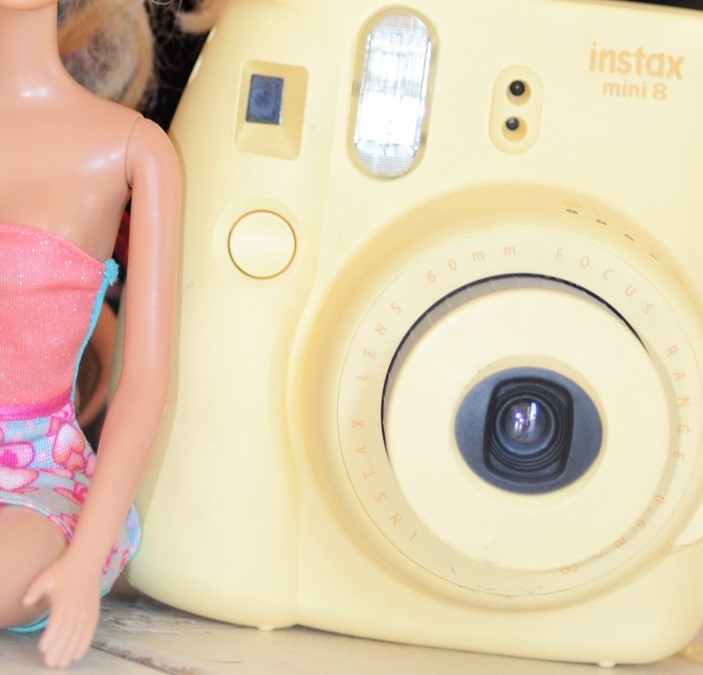

7 Useful Instax Mini 8 Accessories in 2026
The Instax Mini 8 is an older camera, so accessories should be chosen by fit and function rather than a listing title alone. The most useful additions protect the camera, organize ten-exposure film packs, and make finished prints easier to enjoy. Measure, read compatibility details, and avoid kits filled with decorative pieces you will not use.
1. A fitted protective case
Choose a case made for the Mini 8 body shape, with access to the lens, viewfinder, flash, shutter, and film slot. A removable front flap is convenient, but it should not swing into the lens. Check strap attachment points and stitching before trusting the case outdoors.
2. A secure wrist or shoulder strap
A strap is basic protection, especially for children. Match the connector style to the camera or case and inspect small clips regularly. The strap should adjust without leaving a long loop that can catch on furniture or playground equipment.
3. An Instax Mini photo album
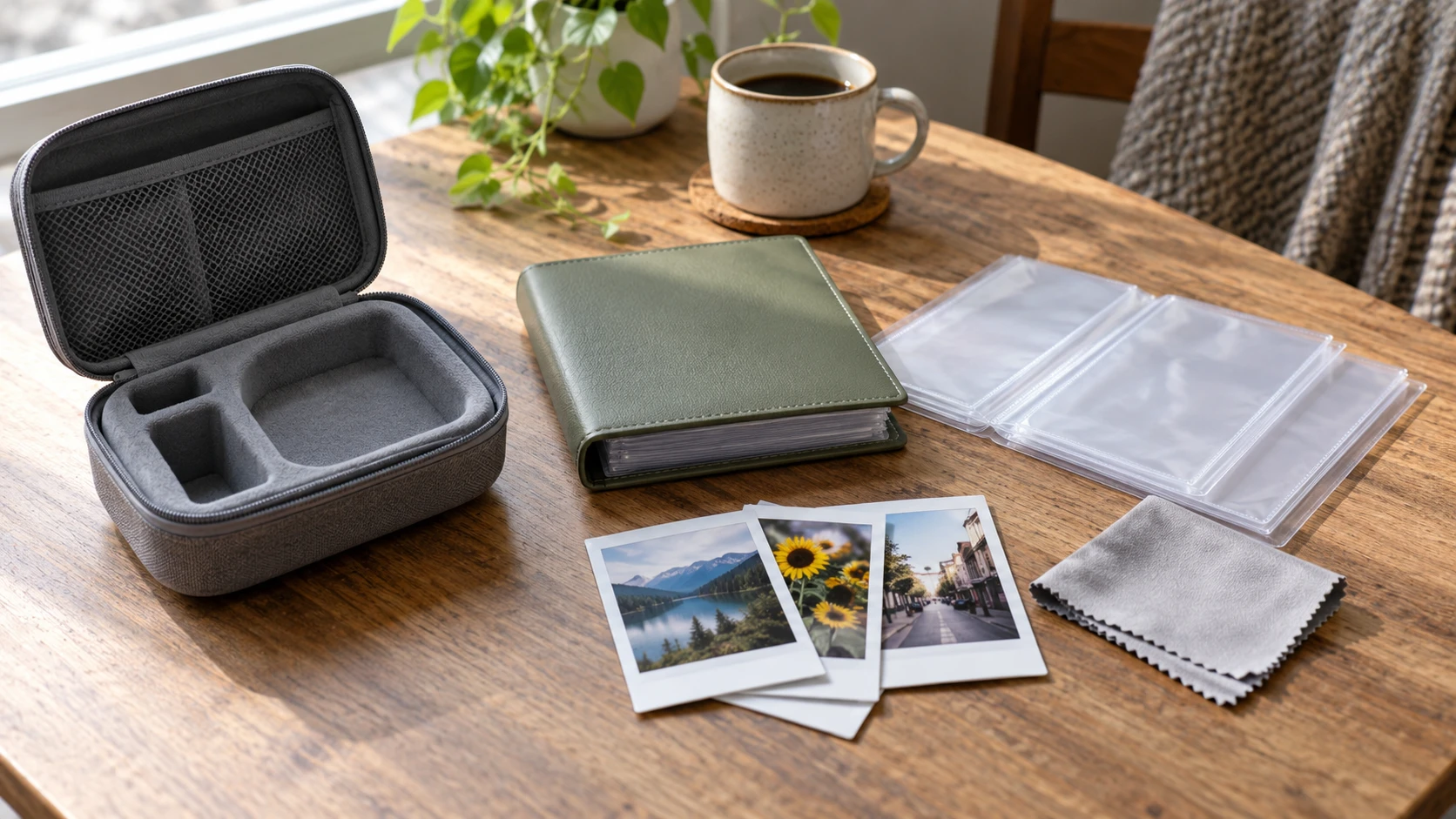
Instax Mini prints need pockets sized for the 86 by 54 millimeter sheet, not only the smaller image area. Acid-free, PVC-free pages are preferable for long storage. A small album also encourages children to select and sequence favorites instead of leaving prints loose.
4. Clear sleeves or a display frame
Individual sleeves help with swaps, gifts, and classroom projects. A stable tabletop frame can display a rotating favorite. Avoid adhesives on the image surface and do not laminate developing prints. Let each picture finish developing before storage.
5. A cool, dry film pouch
A simple zip pouch keeps unopened packs together and protects them from crushing in a bag. Film should stay cool and dry but should not be frozen. If stored in a refrigerator within the manufacturer’s guidance, let the sealed pack reach room temperature before opening.
6. A blower and microfiber cloth
Dust on the lens can lower contrast. Use a clean blower first, then a soft lens cloth if needed. Do not use household cleaners or scrub the rollers. Roller problems and chemical residue should be handled according to Fujifilm guidance.
7. A small stable tabletop support
The Mini 8 body does not have the flexible controls of a modern digital camera, and many units lack a standard tripod socket. If using a support, choose a stable holder that does not press buttons, block the film slot, or damage the body. Never leave the camera balancing unattended.
How to shop without wasting money
Buy for a real use case: carry protection, safe handling, film storage, or print display. Confirm the return policy and compare dimensions with the camera. Generic bundles often use the phrase “Instax compatible” for accessories that fit prints but not the camera itself.
Keep the lesson short and specific
A short session with one clear goal usually works better than a long explanation. Tell the child what they are practicing, demonstrate it once, and then let them make several attempts. Stop before attention fades. A ten-minute exercise repeated next week builds stronger habits than a single hour packed with rules.
Review pictures with useful questions
Let the young photographer choose a favorite before offering feedback. Ask what they noticed, what they wanted the viewer to see, and what they might change next time. Point to one successful choice and one possible experiment. This keeps review connected to decisions rather than turning it into a judgment of whether a picture is simply good or bad.
Protect privacy while sharing
Children should ask permission before photographing people. Before any image leaves the family device, an adult should check the background for school names, house numbers, mail, screens, location clues, or other private details. A printed album, private family folder, or classroom display can provide an audience without requiring a public social account.
Build a simple progress habit
At the end of a project, save five photographs and add a short caption about the idea or technique. Revisit the folder after a month and compare the child’s new choices with earlier work. Progress becomes visible without comparing one child with another, and the captions help adults understand what the photographer intended.
Use mistakes as experiments
A blurred frame, dark face, tilted horizon, or awkward crop can become the start of the next attempt. Identify the likely cause, change one thing, and make another photograph. This process teaches observation and problem solving. It also shows that experienced photographers improve pictures through repeated decisions rather than getting every frame right the first time.
Check dimensions and Mini 8 fit before buying.
View current options on Amazon (paid link)Before the activity begins, check the battery, storage space, strap, lens, and the place where everyone will stand. A calm setup prevents the lesson from being interrupted by equipment problems. It also gives children a repeatable preparation habit they can use whenever they pick up a camera.
Ask the photographer to predict what will change before making the next frame. They might expect a closer position to remove background clutter or side light to reveal more texture. Comparing the prediction with the result turns a casual picture into an observation exercise.
Keep the final selection small enough to discuss carefully. Five well-chosen photographs can show more intention than fifty similar attempts. Have the child arrange the pictures in an order, give the set a title, and explain why one frame opens or closes the sequence.
Return to the same subject on another day or in different light. Familiar subjects make technical changes easier to recognize because fewer variables are new. A second session can test one improvement while preserving the child’s original idea and sense of ownership.
Use plain language first and introduce technical terms after the child sees the effect. “Make the moving person sharper” creates a useful goal; shutter speed can then be explained as one way to reach it. The visible result gives the vocabulary a practical meaning.
Invite the child to demonstrate the lesson back to an adult or sibling. Explaining where to stand, how to focus, or why a background was chosen reveals what they understand. The demonstration can also uncover a confusing step without turning the session into a quiz.
Create a clear stopping point before attention or battery power runs out. Review the assignment, choose the keepers, and put equipment away safely. A consistent ending helps children value selection and care as parts of photography rather than treating the shutter press as the whole process.
If the first idea becomes frustrating, simplify the subject or move to better light instead of adding more instructions. Success with a smaller challenge restores momentum. The more difficult version can return later when the child has a dependable grip, focus routine, and review habit.
Affiliate disclosure: As an Amazon Associate, Kids Camera Guide may earn from qualifying purchases. Prices and availability change. Product links use the site tracking tag kidscameraguide0f-20.