
Reviewed and updated: November 14, 2026
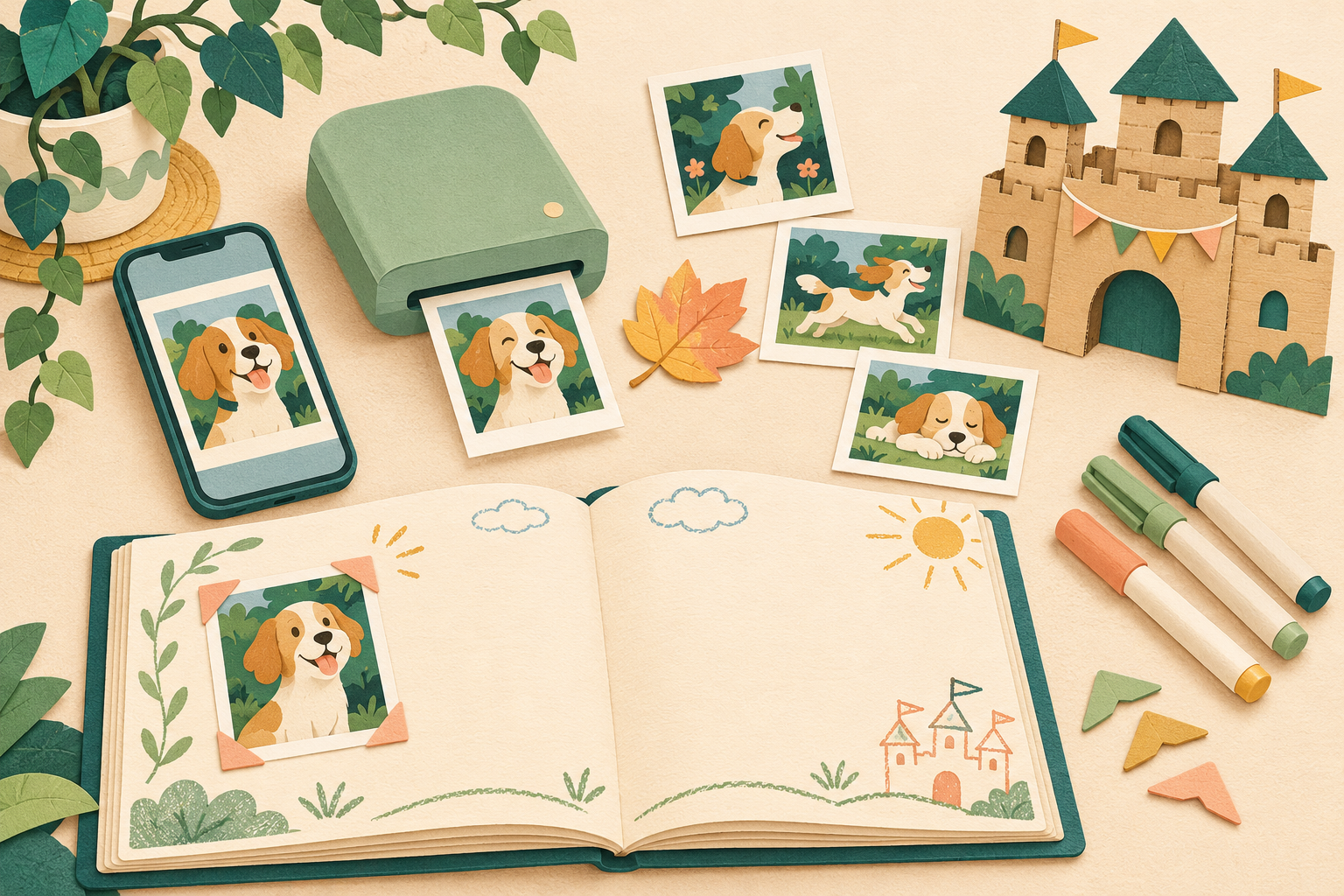
The best part of a family photo museum is deciding what deserves a place on the wall. Your child might nominate a magnificent muddy boot, a favourite pet portrait or the cardboard castle they built over the weekend. We recommend the Fujifilm instax mini Link 3 for families who want to turn pictures already on a phone into little instant-film keepsakes. You can pick the favourites together before using any film.
Its appeal is the combination of a digital second chance and a real photograph to hold. The compromise is that you need a compatible phone, the instax mini Link app and a continuing supply of film. This is a family printing tool, rather than a camera or a toy for a small child to operate alone. You manage the printer; your young curator decides which memories belong in the exhibition.
Small pictures with room for a story
The Link 3 uses instax mini instant film. The picture area measures 62 × 46mm, surrounded by the familiar border. That makes a single smiling face, one treasured object or a close view of a pet a better starting point than a distant crowd. Tiny details in the original photograph become tinier on the print, so your child’s elaborate castle may need a close-up of its drawbridge to tell its story clearly.
Those little pictures suit a notebook, a birthday memory box or a paper gallery with handwritten titles. Unlike the sticky-backed prints from the Canon IVY 2, they need photo corners, suitable pockets or another way to mount them. We would favour corners for a scrapbook: the photograph can stay intact while your child redraws the surrounding adventure.
Preview first, print the keeper
A phone-connected printer gives you a useful pause between taking a photograph and spending film on it. Your child can compare three portraits, explain what they like and settle on one. That makes the Link 3 particularly appealing when the fun includes editing and arranging pictures. It is less satisfying if you want a completely phone-free activity, because the phone and app are part of the normal printing process.
In the app, frames, text and collage layouts can become part of the design. Keep the small print in mind: one clear photograph with a short title often communicates more than several crowded pictures. The Natural and Rich modes offer different colour treatments, but neither promises an exact match to your bright phone screen. A first print is a sensible way to judge the look before making several copies of the same image.
A little photo booth, with you in the picture
Click to Collage captures six photographs at three-second intervals, then lets you combine two, four or six on one print. That could give an older child a miniature expression collection: surprised, thoughtful, delighted and very serious. The space is small enough that simple faces and a quiet background will work better than a busy scene. The feature adds variety without requiring a different camera.
There is also remote shooting through the app, using the printer’s power button as the shutter control. A securely positioned phone lets you join a family portrait instead of always standing behind it. The instax AiR Studio feature adds augmented-reality decorations to a scene on the phone. We would treat those extras as optional play, rather than the reason to buy: the lasting attraction is printing photographs your child cares about.
Give film a place in the gift budget
Every finished photograph uses one exposure, including another copy for a grandparent. The printer needs instax mini film, sold separately; SQUARE and WIDE film do not fit. There are no separate ink cartridges to replace, but that does not make printing free. Include film in your initial budget so the gift is ready for its first little exhibition.
A small agreed collection keeps the activity purposeful. Four favourite pictures can tell a whole weekend story, while dozens of near-identical prints may leave little room for drawings or memories. With a younger child, you can make the selections on your phone and present the finished pictures for arranging. An older child or teen can take a greater role in comparing crops and layouts while you retain control of charging and film handling.
Check the phone, then think about the printer
Before buying, make sure the current instax mini Link app supports your particular iPhone or Android phone. Bluetooth connects the printer to the app; a USB cable is not a substitute for that connection. Photographs from a separate digital camera need to reach the compatible phone first. The Link 3 is therefore a stronger fit for a family already comfortable managing pictures on a phone than for one wanting direct memory-card printing.
Charging uses USB-C, and a cable comes with the printer. Allow roughly one and a half to two hours for a full charge, depending on conditions. The print ejects in about 15 seconds, then needs around 90 seconds to develop. That little wait can be part of the anticipation, but it is worth knowing before promising a whole birthday group an immediate finished picture.
Keep the grown-up jobs with a grown-up
Fujifilm’s manual says to keep the printer out of small children’s reach. You should handle charging, loading film and the printer itself for younger children. Keep it dry, leave the film exit clear and never cut, puncture or put instant film in a mouth. The film contains chemicals; a damaged print is an adult problem to manage, rather than another craft material.
Photo sharing needs the same thoughtful boundary. Ask permission before printing someone else’s portrait, and keep school details or private family information out of captions. A scrapbook can be enjoyed at home without posting it online. For pictures that will live mainly on the phone or computer, a simple family photo library also keeps the originals available after the prints have found their places.
Does it belong in your family’s craft cupboard?
The mini Link 3 is a good match for shared scrapbooks, small gift pictures and a child who enjoys selecting and arranging photographs. It is less compelling for large wall pictures, sticker projects or independent photography without a phone. An instant camera gives the child more ownership of taking the picture; this printer gives you both more control over which existing picture becomes a print.
We would buy it for the family who already has favourite photographs waiting for a new job. Let your child plan a tiny museum, name the exhibits and leave space for the next discovery. You take care of the equipment and film; they turn a handful of pictures into something unmistakably their own.
Fujifilm instax mini Link 3 Smartphone Printer
Turn favourite phone pictures into little keepsakes for a shared scrapbook, memory box or family photo gallery.
Find in Amazon (paid link)