
Best Drone Accessories: 6 Practical Picks for Safer Flights
The best drone accessories solve real problems: limited flight time, battery transport, rough takeoff surfaces, glare, minor propeller damage, and safe storage. Compatibility matters more than a long bundle list. Check the exact aircraft model, battery generation, propeller type, camera filter size, and local aviation rules before buying. Children should use camera drones only with close adult supervision and within current law.
Our recommended shortlist
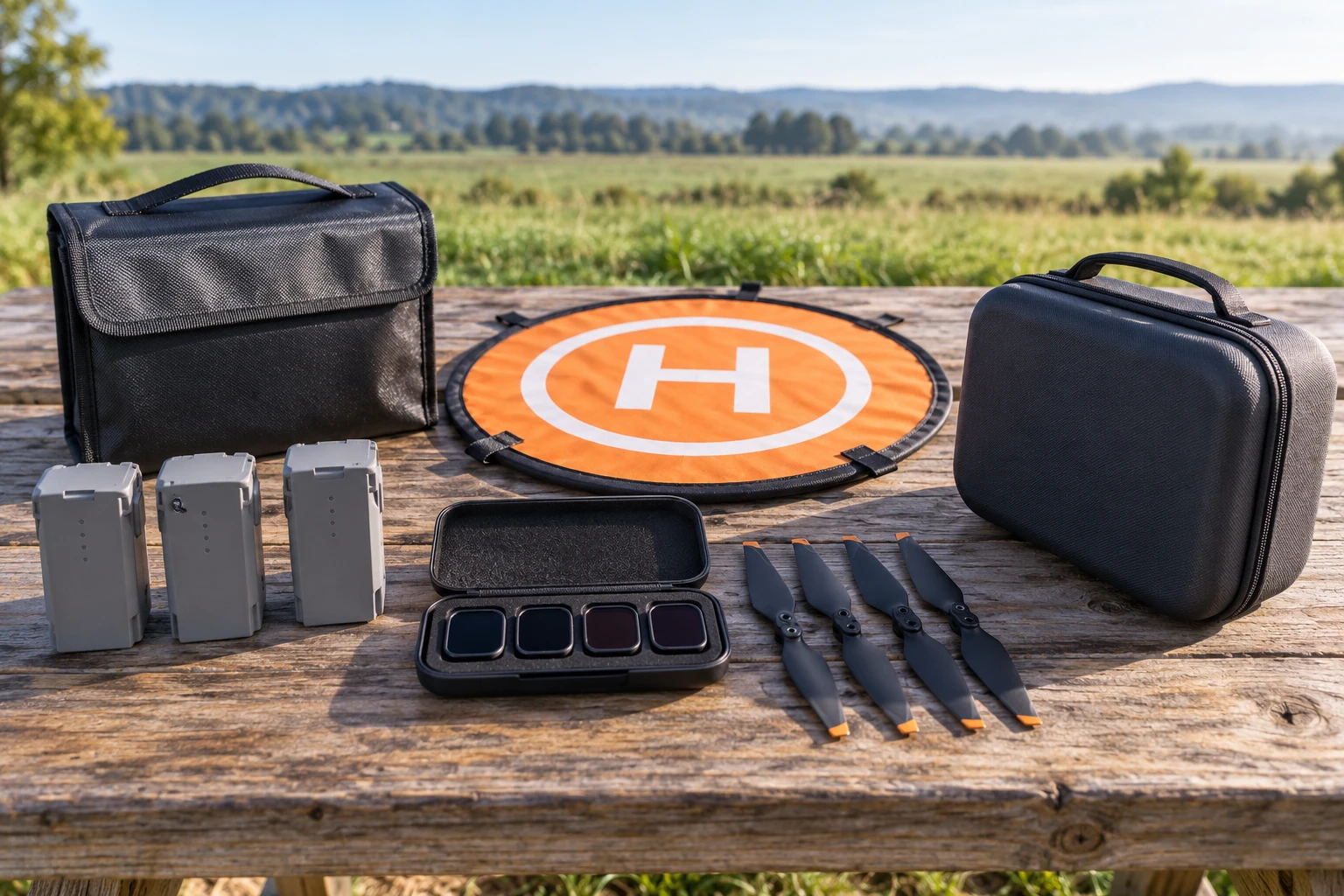
A second or third genuine or manufacturer-approved battery extends a planned session and reduces pressure to fly a low pack. Never mix damaged, swollen, wet, overheated, or incompatible batteries.
Check current options on Amazon (paid link)
A properly sized LiPo safety pouch adds protection during transport and storage. It does not make unsafe charging acceptable; follow the aircraft maker’s instructions and never charge unattended.
Check current options on Amazon (paid link)
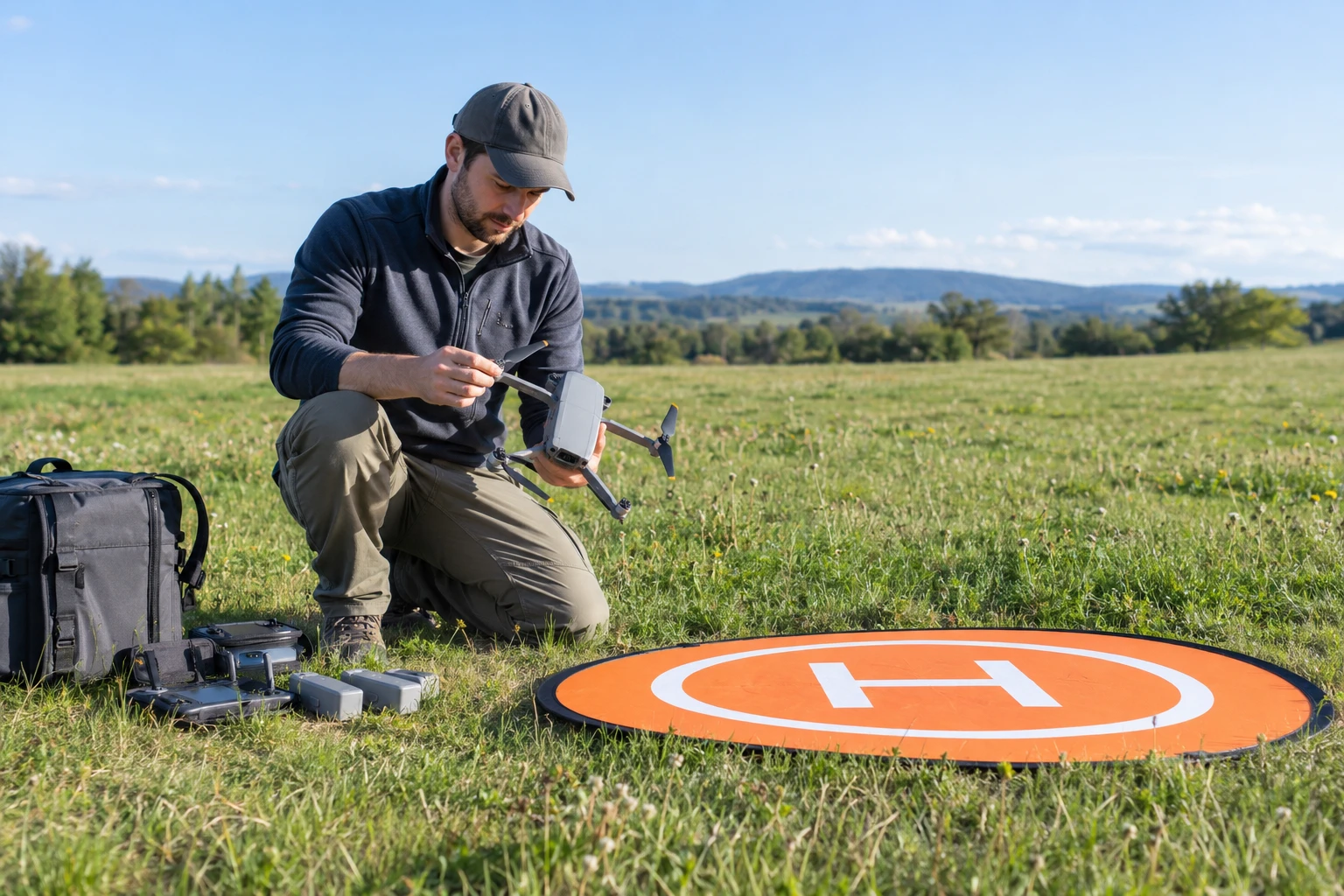
A bright pad helps keep sand, grass, snow, and loose debris away from motors and the gimbal. Choose a size large enough for the aircraft and secure it so wind cannot lift it.
Check current options on Amazon (paid link)
Neutral-density filters can help video users keep a desired shutter speed in bright light. Buy only filters designed for the exact camera and gimbal, and remove them if their weight or fit causes a warning.
Check current options on Amazon (paid link)
Carry one full matched set and the required tool. Propellers are aircraft-specific; similar-looking parts may have different pitch, attachment, or firmware requirements. Replace a nicked or distorted prop rather than trying to repair it.
Check current options on Amazon (paid link)
A structured case prevents pressure on the gimbal, sticks, antennas, and propellers. It should keep batteries separated and leave no loose accessories that can strike the aircraft during transport.
Check current options on Amazon (paid link)
Start with a model-specific checklist
Write the exact aircraft and controller model before shopping. Confirm whether batteries, chargers, props, and filters changed between generations. Read the manufacturer accessory page and manual first. A generic listing that says “fits most drones” is a warning when the part affects flight, charging, balance, or camera movement.
Prioritize safety over decoration
Extra lights, range extenders, landing gear, and novelty skins can add weight, block cooling, interfere with sensors, or change balance. Use only attachments permitted by the manufacturer and local rules. The useful core kit is simple: charged batteries, sound propellers, clear storage, a suitable takeoff surface, and weather information.
Transport batteries carefully
Protect terminals from metal objects and physical damage. Keep packs within the temperature and charge guidance in the manual, and follow airline rules when traveling. Stop using a battery that swells, leaks, smells unusual, becomes excessively hot, or has been involved in a crash. Contact an approved battery recycling service for disposal guidance.
Use a preflight routine every time
Inspect the frame, motors, propellers, gimbal, lens, battery latch, controller, memory card, return-to-home settings, home-point confirmation, compass messages, airspace, wind, and people nearby. The pilot should know the lost-signal behavior and turn-back point before launch. Accessories cannot compensate for a rushed check.
Keep a reserve for the return flight
Do not plan to land at zero. Wind aloft can be stronger than wind at the launch point, and a downwind outbound leg creates a demanding return. Turn back early, particularly in cold weather or around obstacles. Land immediately when warnings, people, animals, weather, or loss of orientation make the flight uncertain.
Write down the intended use before comparing listings. Include the subject, typical light, longest comfortable carrying time, and the feature that would solve the largest current frustration. This short note makes it easier to ignore attractive specifications that do not improve the photographs you actually want to make.
Plan a first-week test while the return period is open. Photograph a familiar indoor subject, an outdoor scene, a moving person or pet, and the closest subject the equipment is meant to handle. Review the files on a larger screen, repeat any weak result, and separate technique problems from equipment limits.
Keep the setup understandable. Add one accessory or control change at a time, label batteries and chargers, format cards only after files are backed up, and store the manual where it can be found. A dependable routine protects equipment and makes it much easier to notice when a new setting causes an unexpected result.
Write down the intended use before comparing listings. Include the subject, typical light, longest comfortable carrying time, and the feature that would solve the largest current frustration. This short note makes it easier to ignore attractive specifications that do not improve the photographs you actually want to make.
Plan a first-week test while the return period is open. Photograph a familiar indoor subject, an outdoor scene, a moving person or pet, and the closest subject the equipment is meant to handle. Review the files on a larger screen, repeat any weak result, and separate technique problems from equipment limits.
Keep the setup understandable. Add one accessory or control change at a time, label batteries and chargers, format cards only after files are backed up, and store the manual where it can be found. A dependable routine protects equipment and makes it much easier to notice when a new setting causes an unexpected result.
Write down the intended use before comparing listings. Include the subject, typical light, longest comfortable carrying time, and the feature that would solve the largest current frustration. This short note makes it easier to ignore attractive specifications that do not improve the photographs you actually want to make.
Plan a first-week test while the return period is open. Photograph a familiar indoor subject, an outdoor scene, a moving person or pet, and the closest subject the equipment is meant to handle. Review the files on a larger screen, repeat any weak result, and separate technique problems from equipment limits.
Keep the setup understandable. Add one accessory or control change at a time, label batteries and chargers, format cards only after files are backed up, and store the manual where it can be found. A dependable routine protects equipment and makes it much easier to notice when a new setting causes an unexpected result.
Write down the intended use before comparing listings. Include the subject, typical light, longest comfortable carrying time, and the feature that would solve the largest current frustration. This short note makes it easier to ignore attractive specifications that do not improve the photographs you actually want to make.
Plan a first-week test while the return period is open. Photograph a familiar indoor subject, an outdoor scene, a moving person or pet, and the closest subject the equipment is meant to handle. Review the files on a larger screen, repeat any weak result, and separate technique problems from equipment limits.
Final recommendation
Build the kit around the flights you actually make. A landing pad and spare battery may matter in a field; a compact case may matter more on a hike. Label packs, record cycles if the manufacturer app supports it, and remove anything that does not improve safety, protection, or image-making. The best accessory is the one that makes a careful routine easier to follow.
Affiliate disclosure: As an Amazon Associate, Kids Camera Guide may earn from qualifying purchases. Prices and availability change. Product links use the site tracking tag kidscameraguide0f-20.