
Reviewed and updated: November 10, 2026
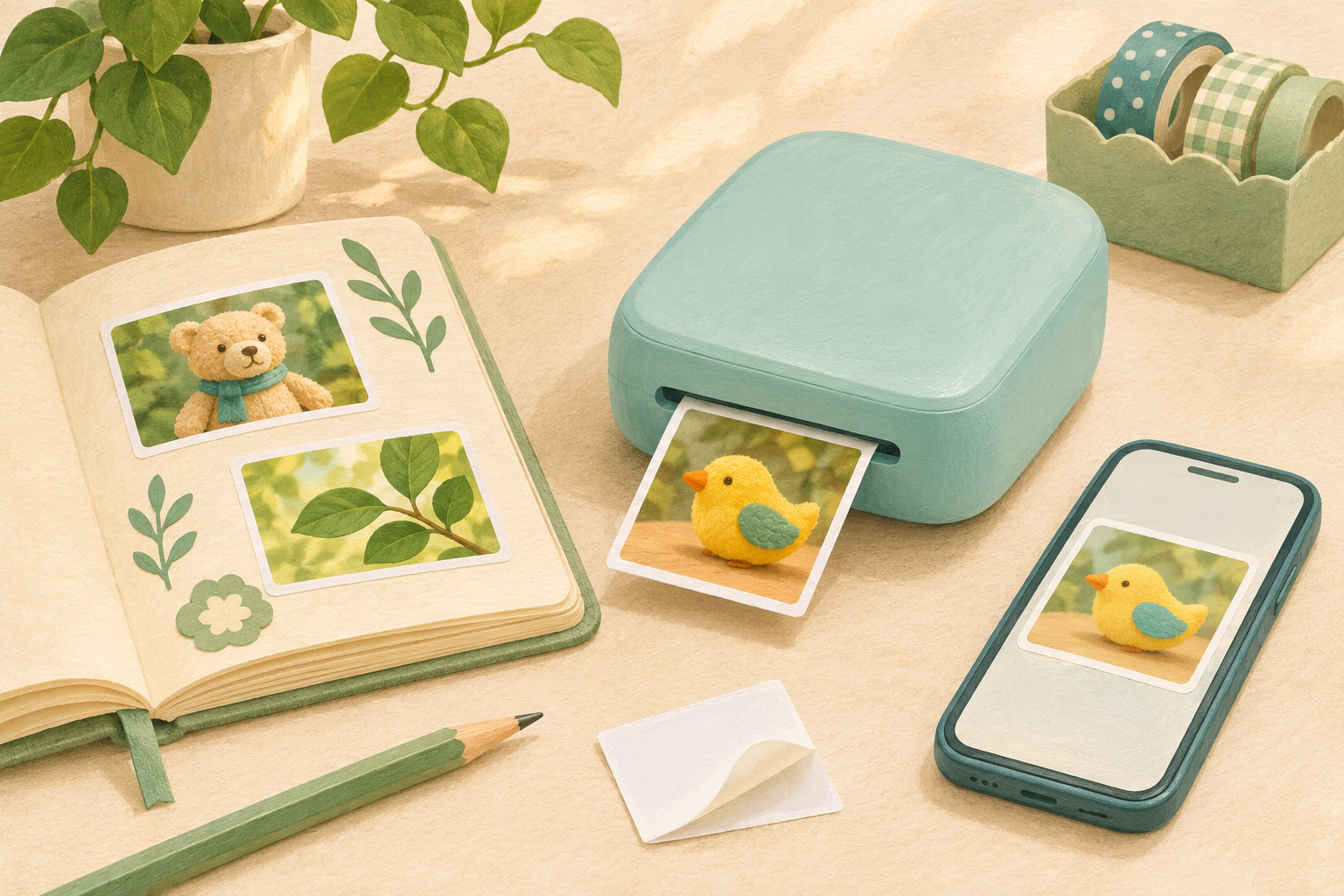
We recommend the Canon IVY 2 Mini Photo Printer if you want to turn photos on your phone into small stickers for a family journal. You can select a favourite picture, add a caption or frame, then stick the print straight onto a page. Its appeal is that simple connection between your camera roll and a craft project. The main compromise is size: these are 2 × 3-inch pictures, so it makes more sense for decorating a notebook than showing off a detailed family portrait.
Think of the IVY 2 as a printer for you to operate while your child helps decide what belongs in the journal. It needs a compatible mobile device and the Canon Mini Print app; it cannot print directly from a camera’s memory card. If you want a child to take and print photographs independently, an instant camera offers a different experience. If you already have plenty of phone pictures waiting for a purpose, the IVY 2 is the more relevant purchase.
Small stickers are the reason to buy it
The peel-and-stick backing is more useful here than a long list of editing effects. You can give a photograph a place in a notebook without adding glue or finding a photo corner for each edge. A picture of a favourite toy, a pet or something spotted on a walk can sit beside your child’s drawing or a short caption. The print becomes part of the page rather than another loose photograph to put away.
That works best when you like the small format already. At 2 × 3 inches, one clear subject has more room to stand out than a distant group of faces. A collage divides that space further. We would keep the layout simple when the photograph matters most, and use the app’s decorative options when making a playful label is the point. If you are imagining larger pictures for relatives or an album, settle that expectation before buying a pocket printer.
You decide what to print before using the paper
Printing from your phone lets you look through several photographs before committing one to paper. You can avoid an accidental shot, try a different crop or leave a picture unprinted. That is a useful advantage over an analogue instant camera when your child enjoys taking lots of pictures but only wants a few keepsakes. It also makes it easy to include an older family photograph alongside something photographed that afternoon.
The Canon Mini Print app provides filters, frames, text and collage options, so you can personalise a journal page before printing. The editing happens on your phone rather than on the printer itself. That is convenient when you enjoy selecting pictures together; if you were hoping to put the phone away completely, a camera that makes its own prints is a better fit.
Canon IVY 2 Mini Photo Printer
A compact sticker printer for family journals, with printing managed from your compatible phone. Canon ZINK paper gives photos an adhesive back without separate ink cartridges. The button opens Amazon search results for the Canon IVY 2 Mini Photo Printer.
View on Amazon (paid link)
No ink cartridges, but a specific paper supply
The IVY 2 uses ZINK printing, with the colour-producing material built into the paper. You do not buy separate ink cartridges. That makes the refill decision straightforward, but it does not make printing unlimited: every finished sticker uses a sheet. We would plan for a small number of favourite pictures per journal session rather than hand over an open-ended print queue. A larger paper pack only makes sense if your family will keep using this format.
Look for Canon ZINK paper compatible with the IVY 2. The printer accepts up to ten sheets plus the blue SmartSheet supplied with a paper pack. Keep that sheet with its matching pack and follow the loading instructions; ordinary photo paper and instant-camera film are not substitutes. Canon also lists compatible pre-cut sticker paper. Start with the rectangular sheets if you mainly want photographs, then consider shaped stickers when you have a project that calls for them.
Better for a few favourites than a party production line
The small tray and rechargeable battery suit short creative sessions. Canon rates the battery for approximately twenty sheets per charge and lists a print time of fifty seconds or less, depending on operating temperature. Those figures give you a sense of its scale, rather than a promise for every session. A handful of journal pictures is a more comfortable fit than a plan to give every guest several prints before a party ends.
Charging is through USB-C, with a USB-A-to-USB-C cable listed in Canon’s standard box contents. Canon quotes approximately forty-five minutes for a full charge under its stated conditions; the adapter and other factors can change that time. Check the package you are considering and the charging instructions rather than assume a wall adapter is included. We would have it charged before a shared activity, so waiting for power does not interrupt the part your child is looking forward to.
Buy it for the phone you will actually use
The IVY 2 connects through Bluetooth and the Canon Mini Print app. It has neither Wi-Fi printing nor a memory-card slot, so a camera’s photographs need to reach your compatible mobile device first. Before buying, check the app’s current requirements against that particular phone or tablet. A familiar Bluetooth name on a box does not establish that an old device will run the current app.
You do not need to give your child a phone to enjoy the results together. You can manage the device, charging and paper while they help select the photographs and arrange the finished page. Canon’s manual says to keep the printer away from children and infants, so we would keep the printer itself under adult control. The stickers also leave your original digital files where they were; printing is no substitute for keeping those originals organised.
When a different printer is a better purchase
If you want a choice of square and card-size sticker paper, the Canon SELPHY QX20 is worth comparing. It uses dye-sublimation printing and matched paper-and-ink sets, rather than IVY 2 ZINK sheets. Its square paper is 2.7 × 2.7 inches, while its card-size option is 2.1 × 3.4 inches. That gives you different space for a photograph, with a different refill system to consider. Our SELPHY printer comparison explores that alternative and a larger-print approach.
Our verdict
We would buy the IVY 2 for small photo stickers you will use in family journals and craft pages. It makes sense when you already have the pictures, want to select a few together, and will use the adhesive backing in a project. Buy a different format when larger prints or independent camera use matter more. For this particular job, the IVY 2’s small output is its appeal as well as its limit.