
Basic Photography Terms for Kids and Beginners
Photography combines light, timing, and visual choices. The vocabulary can seem complicated, but the core ideas are easy to understand when each term connects to something you can see in a picture. This guide explains the language a beginner is most likely to encounter on a camera, phone, or photography lesson.
Camera, lens, and sensor
Camera: A device that records an image. Light enters through a lens and reaches either film or an electronic sensor. Phones, compact cameras, instant cameras, and interchangeable-lens cameras use different designs, but they all organize light to make a picture.
Lens: The glass assembly that gathers and focuses light. Some cameras have a permanently attached lens. Others let the photographer change lenses for a wider view, a closer view, or a different creative effect.
Sensor: The light-sensitive electronic surface inside a digital camera. It converts light into image data. Sensor size can affect low-light performance and background blur, but a larger sensor does not automatically make every photograph better.
Megapixel: One million pixels. A megapixel count describes the number of recorded picture points, not the overall quality of the camera. Lens quality, light, focus, processing, and technique also matter. Most current cameras and phones provide enough resolution for ordinary screens and prints.
Exposure: aperture, shutter speed, and ISO
Exposure describes how bright or dark a photograph appears. Cameras manage exposure with three connected controls. Changing one may require changing another.
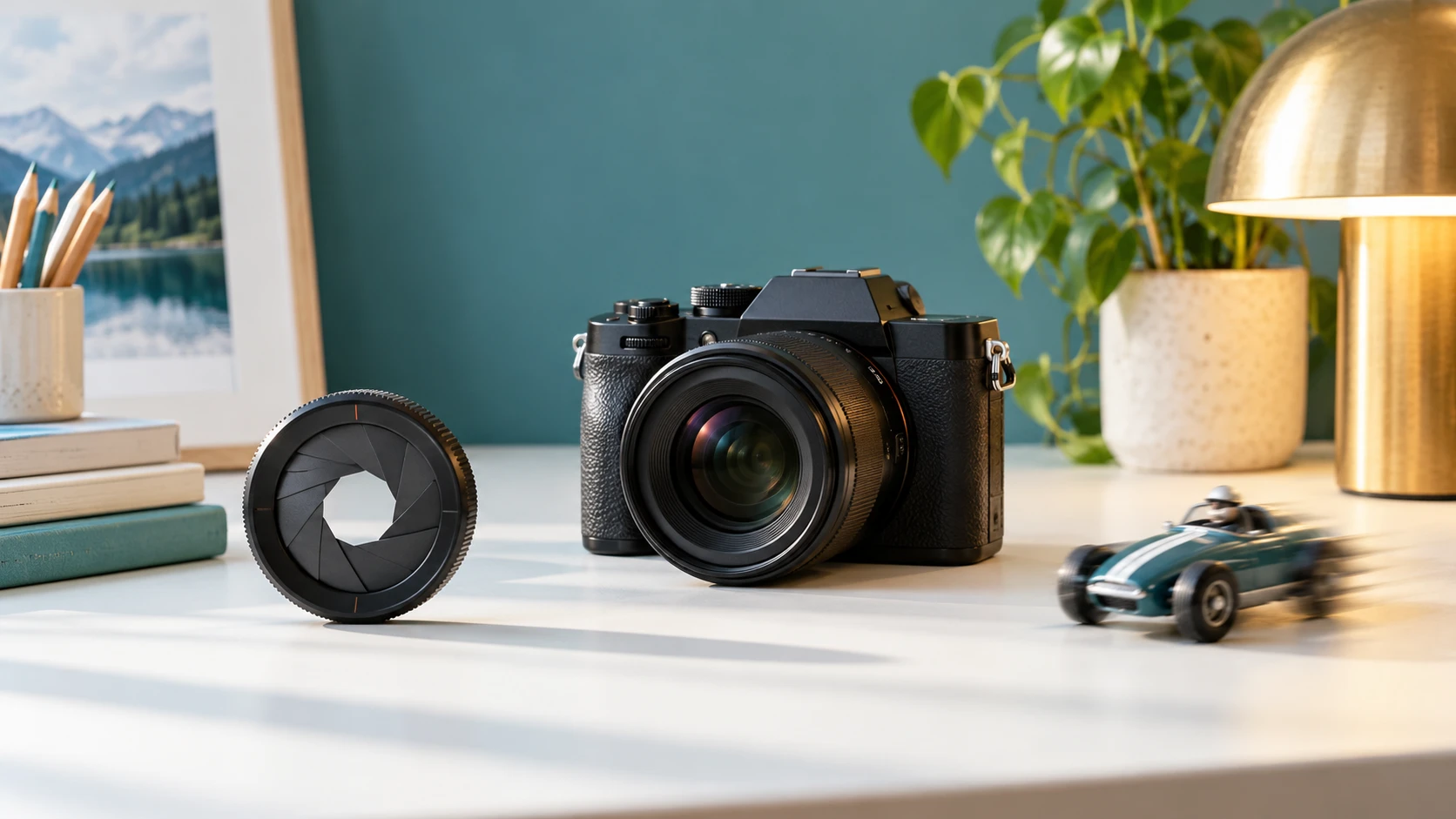
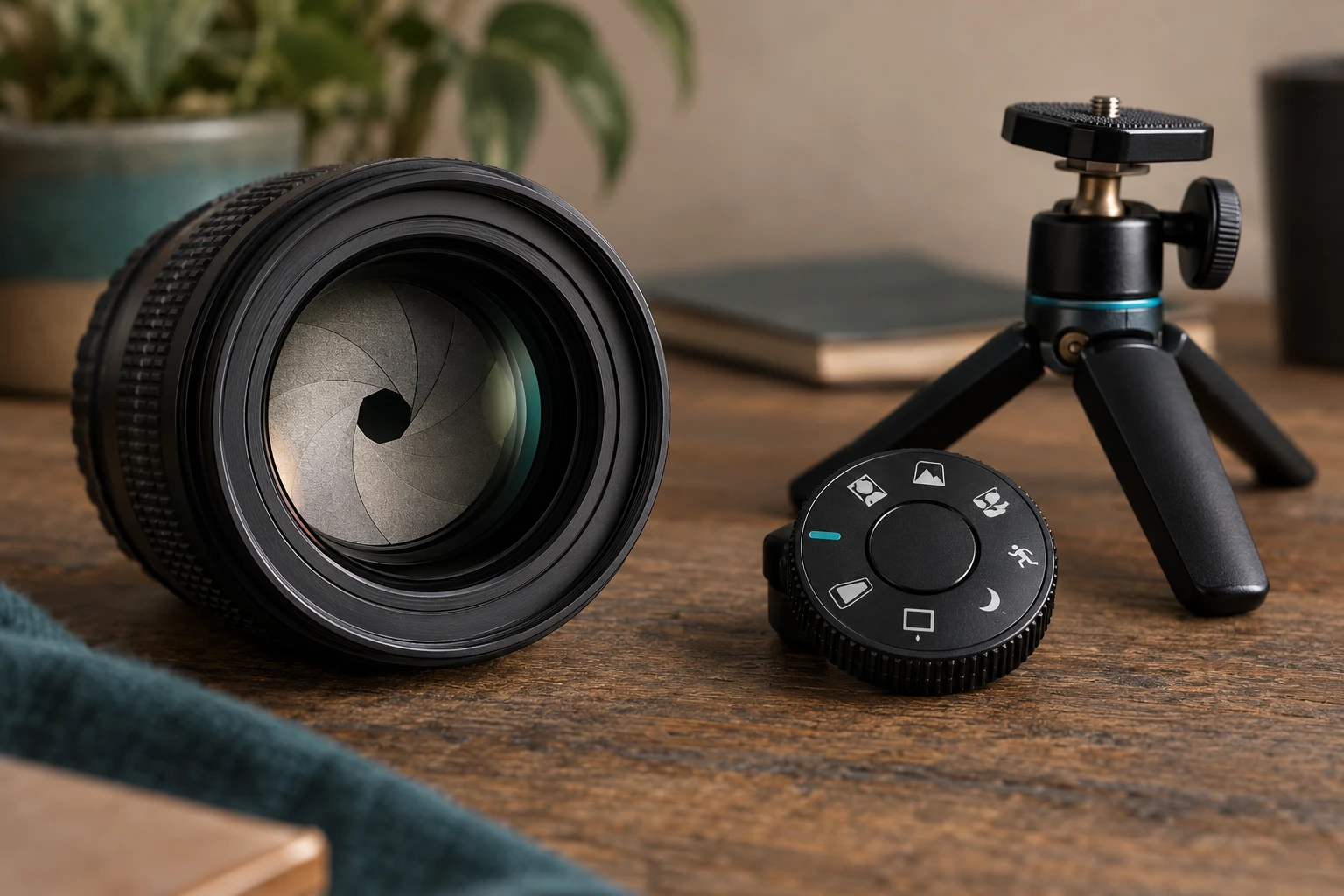
Aperture: An adjustable opening inside a lens. A wider opening lets in more light and can make the background look softer. A narrower opening lets in less light and can keep more of the scene acceptably sharp. Aperture values use f-numbers. A smaller number such as f/2 represents a wider opening than f/8.
Shutter speed: The amount of time the camera records light for one photograph. A fast shutter speed, such as 1/1000 second, can freeze action. A slower speed, such as 1/15 second, records more light but may show movement as blur. A tripod or stable surface helps when the shutter stays open longer.
ISO: A setting that controls how strongly a digital camera brightens the sensor’s signal. A higher ISO can help in dim light, but it usually adds more visible grain or colored speckles called noise. Start with a lower ISO in bright light and raise it only when the picture would otherwise be too dark or blurry.
Focus and depth of field
Focus: The point that appears sharpest. Many cameras focus when the shutter button is pressed halfway. On a phone, tapping the subject usually chooses the focus point. Autofocus is helpful, but the photographer still decides what deserves attention.
Depth of field: The range of distance that looks acceptably sharp. A shallow depth of field can isolate a face or flower against a soft background. A deeper depth of field keeps more of a group or landscape clear. Aperture, lens focal length, camera distance, and subject distance all influence the result.
Motion blur: Streaking caused by a moving subject or moving camera during an exposure. Blur can be an accident or a creative choice. Panning the camera with a cyclist, for example, may keep the rider clearer while the background streaks.
Composition and perspective
Composition: The way visual elements are arranged inside the frame. Composition includes the subject’s position, the background, empty space, lines, shapes, and the relationship between objects.
Rule of thirds: A starting guideline that imagines two horizontal and two vertical lines dividing the frame into nine sections. Placing a subject near a line or intersection often creates a balanced picture. It is a guide, not a requirement.
Perspective: The appearance created by the photographer’s position and distance. Kneeling, moving closer, or photographing from above changes how objects relate to one another. Zooming and physically moving are not the same: moving changes perspective, while zooming mainly changes framing.
Framing: Choosing what appears inside the picture and what stays outside it. The word also describes using elements such as doorways, branches, or windows to form a visual frame around the subject.
Zoom, focal length, and camera shake
Optical zoom: Magnification created by changing the lens. It preserves the camera’s recorded resolution. Digital zoom enlarges and crops part of the image, so it can reduce detail. When it is safe and practical, beginners often get a better result by walking closer.
Focal length: A lens measurement in millimeters that relates to angle of view and magnification. A shorter focal length shows a wider scene. A longer focal length shows a narrower, more magnified view. Phone interfaces may describe similar choices as 0.5×, 1×, or 2×.
Camera shake: Blur caused by the camera moving during the exposure. Hold the camera with two hands, keep elbows comfortable near the body, and press the shutter gently. A tripod supports the camera during slow exposures, self-portraits, or repeated compositions.
File and editing terms
JPEG or HEIF: Processed image formats designed to save space and look ready to share. They are practical for families and beginners. RAW files preserve more unprocessed information for editing but use more storage and require compatible software.
White balance: A camera setting that helps white objects look neutral under sunlight, shade, household bulbs, or other lighting. Automatic white balance often works well, but a preset can correct pictures that look unusually orange or blue.
Crop: Removing the outer edges of an image to improve framing or change its shape. Cropping cannot replace careful composition every time because a heavy crop discards pixels.
Resolution: The pixel dimensions of an image, such as 4000 by 3000 pixels. Higher resolution allows larger prints or more cropping, but it also creates larger files.
How to learn the terms without memorizing
Choose one concept for each photo session. Spend a day noticing light, then practice focus, motion, or perspective. Make two versions of the same subject and change only one thing. Comparing the results turns abstract vocabulary into a visible choice.
Automatic mode is a sensible place to begin. A child does not need manual exposure controls before learning to choose a subject, simplify a background, hold the camera steadily, and review a photograph thoughtfully. Technical terms become useful when they answer a real question: Why is the runner blurry? Why is the face dark? Why is the background soft?
Camera features and menu names vary by model, so consult the device manual for exact controls.