
Reviewed and updated: November 7, 2026
Choose the OM SYSTEM Tough TG-7 when close-up nature projects, RAW files or 4K video give your family a clear reason to use its extra features. Choose the KODAK PIXPRO WPZ2 when the brief is ordinary outdoor photographs and Full HD clips. For a child using either camera, handling and adult-managed care matter more than the word “rugged.”
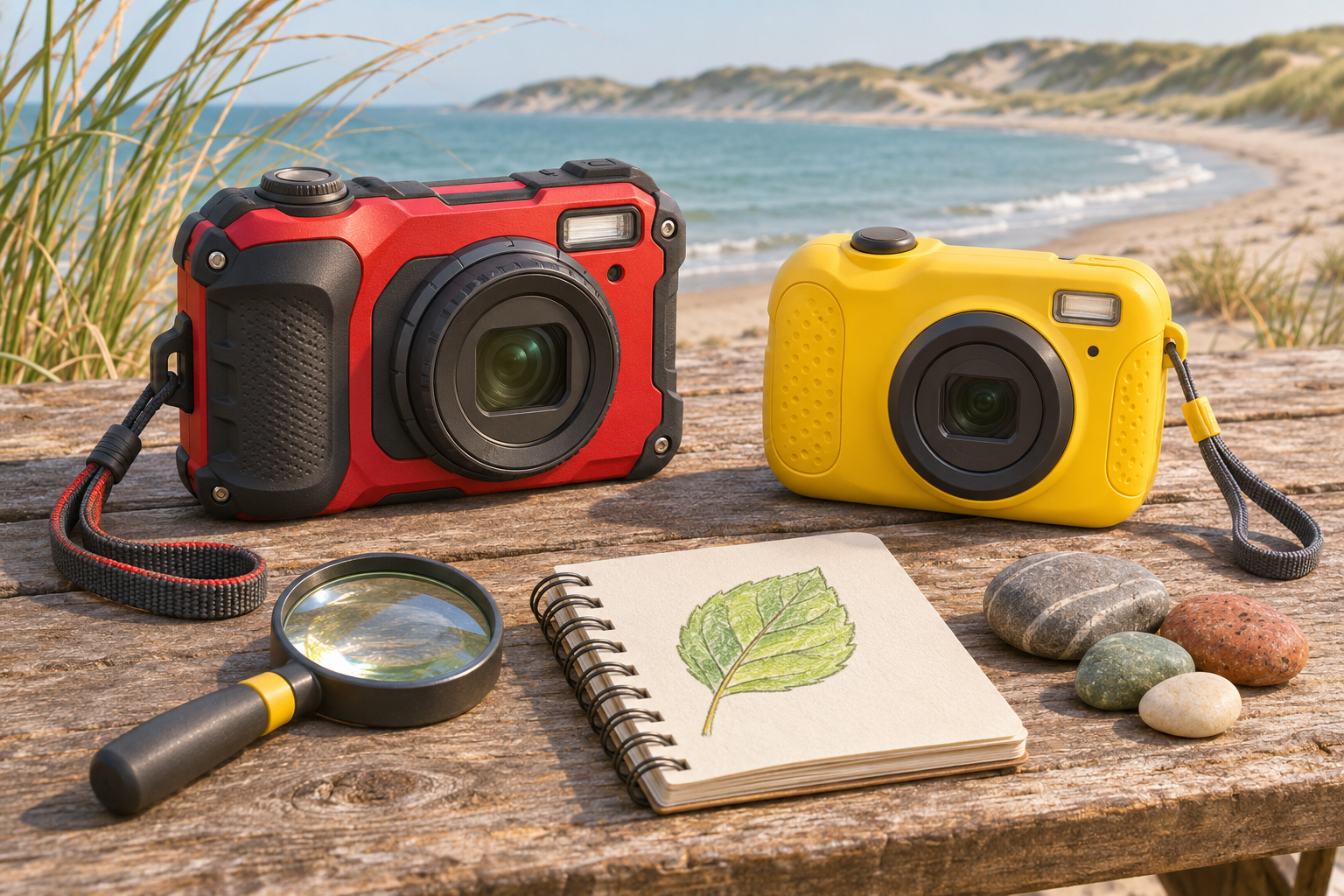
Two rugged cameras with different priorities
This comparison uses current manufacturer specifications and instructions rather than hands-on testing. The recommendations interpret those features for supervised family photography; they do not rank measured image quality. Neither model is a toy camera, an instant printer or a substitute for supervision around water. A parent should decide whether the child can manage a real camera before choosing between these two.
OM SYSTEM Tough TG-7 Digital Camera
Choose for: supervised close-up nature projects and a growing interest in image editing. OM SYSTEM lists a 12-megapixel sensor, RAW capture, 4K video and specialised close-up modes. Skip if: you only want occasional snapshots and will not use those extra functions.
View current Amazon search results for OM SYSTEM Tough TG-7 Digital Camera (paid link) (paid link)
KODAK PIXPRO WPZ2 Digital Camera
Choose for: a family brief centred on ordinary outdoor pictures and Full HD clips. KODAK PIXPRO lists a 16-megapixel sensor, 4x optical zoom, 1080p video and a 2.7-inch display. Skip if: RAW stills or 4K recording are requirements.
View current Amazon search results for KODAK PIXPRO WPZ2 Digital Camera (paid link) (paid link)
Start with three pictures your child wants to make
Ask for a short wish list before opening a specification sheet. A family portrait, a wide view of a campsite and a toy on a picnic table call for a different routine from detailed photographs of leaf veins. If the child simply wants a camera of their own for outings, extra specialist modes may become settings an adult has to manage.
For ordinary pictures, both offer 4x optical zoom. That shared number does not make their lenses or results identical, but it does mean neither is a long-reach wildlife camera. Choose a safe viewpoint and frame what is already nearby. Our photo scavenger hunt for kids gives a first outing a purpose without requiring advanced equipment.
Choose TG-7 for a developing interest in details
TG-7 has the more specific case for a child who repeatedly wants to photograph small subjects. OM SYSTEM lists a 1 cm closest focusing distance in its close-up system, Microscope mode, focus bracketing and focus stacking. These are reasons to explore the model when an adult is willing to learn alongside the child, rather than simply buying the longer list of functions.
Begin with a stationary object on a dry table: a leaf, a textured stone or a toy figure. Let the child describe which detail matters before adjusting the camera. Very close framing makes careful positioning important, so start with one subject and a simple background. Avoid disturbing wildlife or approaching something unsafe merely because the camera can focus closely.
Choose WPZ2 when ordinary snapshots are the job
The WPZ2’s published 16-megapixel specification, 4x optical zoom and 1080p video cover a straightforward stills-and-clips brief. Its 2.7-inch display is another concrete detail to consider when looking at the controls. Choose it because those capabilities match your plans, not because a larger megapixel number establishes better photographs than TG-7’s published 12-megapixel specification.
A useful test of the purchase idea is whether your child enjoys taking a few pictures and reviewing them. Ask them to make a wide view, a medium view and a detail of the same familiar subject. If that activity is enough, buying for RAW processing or specialised close-up work may add little to the experience. If those are firm requirements, skip WPZ2 and examine TG-7 instead.
Decide whether RAW files or 4K video matter
OM SYSTEM lists RAW capture and 4K recording for TG-7; WPZ2’s specification lists JPEG stills and 1080p recording. RAW support is useful only when someone wants to manage and process those files. Similarly, choose 4K because the family has a use for the footage and a way to store and edit it, rather than treating the label as an automatic requirement.
For a first photography routine, a small collection of clearly framed images can be more useful than many large files nobody reviews. Agree on who will copy the pictures, where originals will live and which images the child can delete. Our guide to organising a child’s photo library helps make that handover repeatable.
Read water-resistance claims as conditions
Both manufacturers publish a 15 m waterproof specification. That does not settle the purchase by itself. OM SYSTEM’s manual explains that resistance ratings depend on specified pressure, time and test conditions, and do not guarantee against damage or failure. Read the exact model’s complete care instructions before planning wet use; a depth figure is not permission to use a camera in every watery situation.
An adult should handle covers, seals, charging and card changes, and keep that work in a clean, dry place. Follow the manufacturer’s preparation, cleaning and drying instructions rather than improvising from another camera’s routine. Do not encourage deeper water, rougher play or deliberate drops to test the claim. If the family will not keep up with the care routine, skip both and rethink how the outing will be photographed.
Check grip and controls before committing
Specifications cannot tell you whether your child’s fingers can reach the shutter without covering the lens. Look carefully at the grip, button layout and playback controls. If possible, let the intended user handle the model in a suitable setting before buying. Ask them to hold it with two hands, find the shutter and explain how they would review the last picture.
Skip either camera if it feels awkward or the child expects a touch-driven toy interface. Extra resistance does not remove the consequences of losing a real camera. Plan a calm first session on dry land with an adult nearby. Keep the lesson to switching on, taking a picture and reviewing it before introducing zoom, scene modes or wireless transfers.
Compare the complete kit and storage routine
TG-7 uses SD-family removable media, while WPZ2 specifies microSD-family media. Check the manual’s supported type and recording requirements before reusing a card from another device. Do not assume an adapter, spare battery, charger or memory card pictured in a search result is part of the package. Match included items against your actual setup needs.
Both use rechargeable batteries, so plan adult-managed charging before the first outing. Keep a separate place for the camera and accessories, and check that the child knows where the camera goes when the activity ends. A clear routine for packing and returning it may matter more than adding accessories immediately. Start with what the manufacturer requires, then add equipment only for a demonstrated need.
Which should your family buy?
Choose TG-7 for an adult-supported move into close-up nature work, RAW processing or 4K clips. Choose WPZ2 when its stated JPEG-and-Full-HD feature set fits a straightforward outdoor snapshot routine. Skip both if the recipient needs a simpler toy camera, immediate paper prints or a device the family can treat as maintenance-free. Neither camera solves an unclear gift brief.
The two buttons open Amazon searches for the full named models, not exact listings. Check the generation, colour, package contents and accessory requirements in any result you consider. Buy for the photographs your child wants to make and the care routine an adult will actually support. Begin with one manageable outing and review the pictures together before planning the next project.