
Reviewed and updated: November 12, 2026
Give a birthday portrait its own recorded greeting, and the picture becomes part of a small story. That is the appeal of the Fujifilm instax mini LiPlay+: your young photographer can make a print, add a sound-linked QR code and let someone hear the moment on a phone. We recommend it for an older child or teen who enjoys photo journals, self-portraits and making keepsakes with you. The main compromise is that those sound features bring an app and an online service into the activity.
Ordinary pictures are simpler. The LiPlay+ can take and print photos without a smartphone app, and its screen lets your child pick the keepers before using film. That makes it an interesting middle ground between a digital camera and an instant camera. Your child gets room to experiment, then a little photograph to give away or tuck into a journal. This review covers the LiPlay+ with the plus sign, not the earlier mini LiPlay.
The print can wait for the right picture
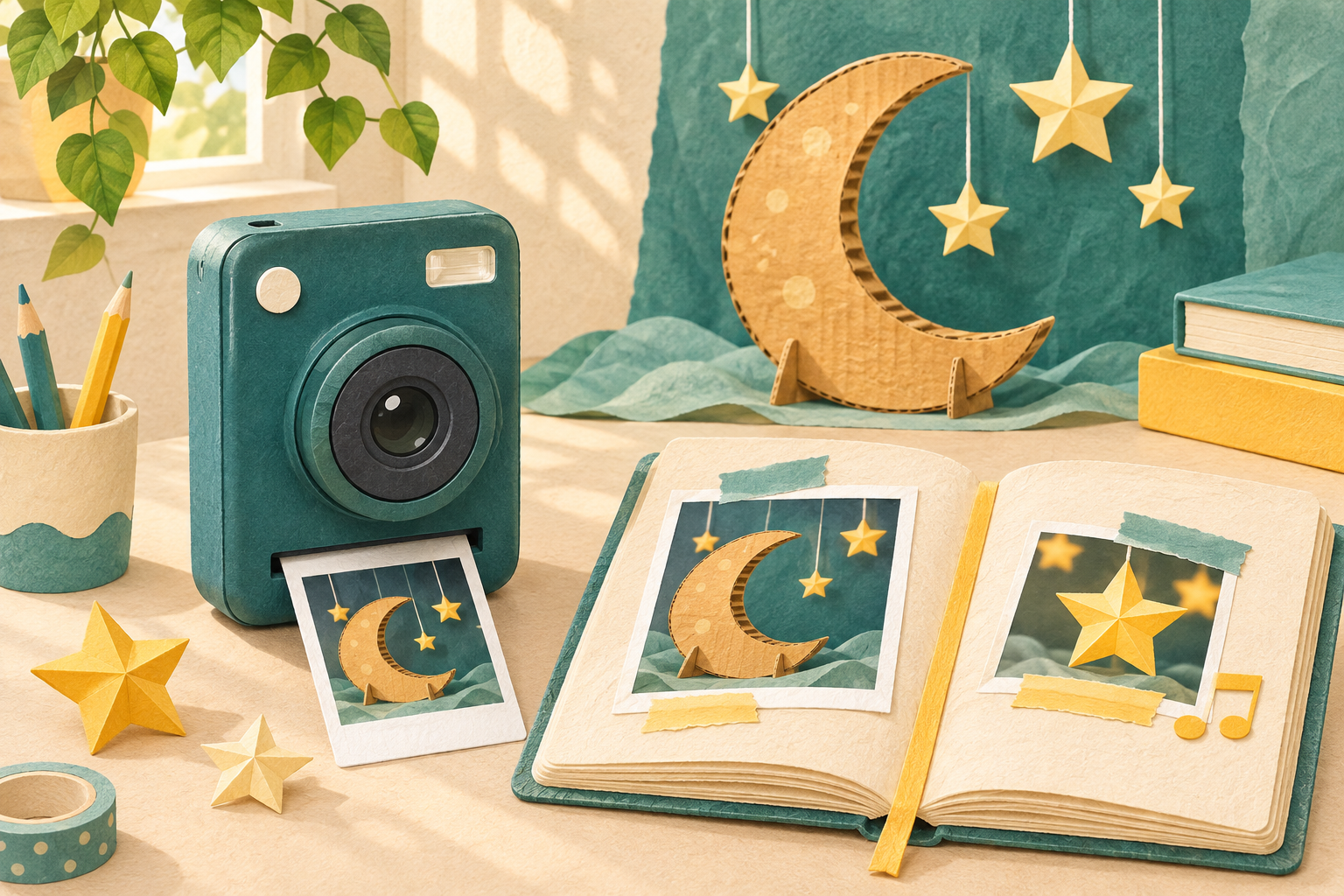
That freedom to look before printing is a strong reason to buy. A birthday portrait may need another try because someone blinked; a picture of a handmade moon might look better from the other side of the table. The three-inch colour screen gives your child a place to compare those attempts. Taking another digital picture does not use another sheet of film. Printing is a separate decision, so the afternoon can include plenty of experimenting and a small finished collection.
Every physical picture still uses instax mini film, sold separately. Its picture area is 62 × 46 mm, which suits a favourite face, a clear detail or a small journal page. A busy group squeezed into the background will have less room to shine. Think pocket-sized memories rather than a large framed portrait. There is no ink cartridge to add, but film remains part of owning the camera even when you print selectively.
Fujifilm instax mini LiPlay+ Hybrid Instant Camera
Make small keepsakes with a digital preview, a separate selfie camera and optional sound-linked prints. Best for a responsible older child or teen with adult help for film, charging and app settings.
View on Amazon (paid link)
Step into the memory, not just behind the camera
The separate selfie camera lets your young photographer see themselves on the screen while composing the picture. They could appear beside the cardboard moon they made, or join a willing family member for the opening page of a birthday journal. Layered Photo Mode combines a selfie-camera picture with a main-camera picture using four templates. That offers a playful way to put the maker and the creation together, without trying to squeeze both into one ordinary shot.
The two cameras have different limits. The main camera can autofocus as close as 10 cm, while the selfie camera has fixed focus from 41 cm and no flash. An arm’s-length portrait in good light is a more sensible plan than a very close selfie in a dark corner. Your child still needs to consider distance and light; the extra lens gives them another viewpoint rather than making every situation equally easy.
A greeting you can hear through the print
Sound Print is the feature that gives the LiPlay+ its particular personality. Using the compatible instax mini LiPlay app, you can turn a photo and a short recording into a print with a QR code for phone playback. A birthday message, a cheerful introduction to a homemade exhibit or a brief explanation of a favourite picture gives the little keepsake another layer. The paper itself does not play audio: the phone and linked service provide that part of the experience.
That distinction matters when buying a gift for a grandparent as much as for a child. The recipient needs a suitable phone to hear the recording, while the picture remains an ordinary keepsake without it. Sound playback and downloads through Fujifilm’s server expire two years after printing. Keep separate copies of memories you want to preserve, using the supported download options where available. A sound-linked print is a fun way to share a moment, not your only permanent recording of it.
Let the app earn its place
The app also lets you print pictures from a compatible smartphone through Bluetooth, add decorations and use remote shooting. That can bring a parent’s photo of the finished school project into the same journal as your child’s own pictures. Remote shooting offers another way to join a portrait while the camera rests on a suitable secure support. You do not have to use every feature; a few useful tools can serve the project better than an afternoon spent exploring menus.
Check the current app requirements on the phone you will use before ordering. Review permissions and sharing settings yourself, and get permission before recording someone’s voice or making their portrait. Treat a shareable QR print as a shareable recording, keeping private details out of both. If the main aim is to put the phone away for the entire activity, the sound features are a less convincing reason to pay for this kind of camera.
A real camera, with a grown-up’s help
The LiPlay+ weighs about 265 g before film, card and strap, and uses USB-C charging. It is a real electronic camera rather than a small child’s toy; Fujifilm says to keep it out of reach of small children. An adult should manage charging, film loading and small memory cards. Keep it dry and follow the camera and film instructions. Leave the film door closed until the pack is finished, so the remaining sheets are not exposed to light. An older child who already handles equipment carefully is a more suitable match than a youngster who needs a drop-tolerant play camera.
Built-in memory holds approximately 45 images, with microSD or microSDHC storage available separately. The app transfers printed camera images, not every unprinted photograph, so do not assume it replaces a complete backup routine. Plan how you will copy and keep the digital favourites too. Our advice on organising your child’s pictures helps give those journal experiments a home beyond the camera.
Would a simpler instant camera suit your child better?
A Fujifilm instax mini 12 offers a more immediate experience: aim, press the shutter and use a sheet of film, without selecting a digital favourite first. That can suit a child who enjoys the surprise and wants fewer decisions. The LiPlay+ makes more sense when reviewing pictures, adding a voice or combining two views is part of the attraction. Our mini 12 and mini 41 comparison explores the simpler approach.
Our verdict
We would buy the LiPlay+ for a thoughtful young creator who wants to make something with their photographs: a birthday journal, a miniature exhibit or a portrait with a recorded greeting. Previewing pictures gives experimentation room to breathe, and the separate selfie camera helps your child join the story. Buy for those creative possibilities, with realistic plans for film and adult-managed app use. For a straightforward camera without connected extras, a simpler model will be a better match.