
Reviewed and updated: October 30, 2026
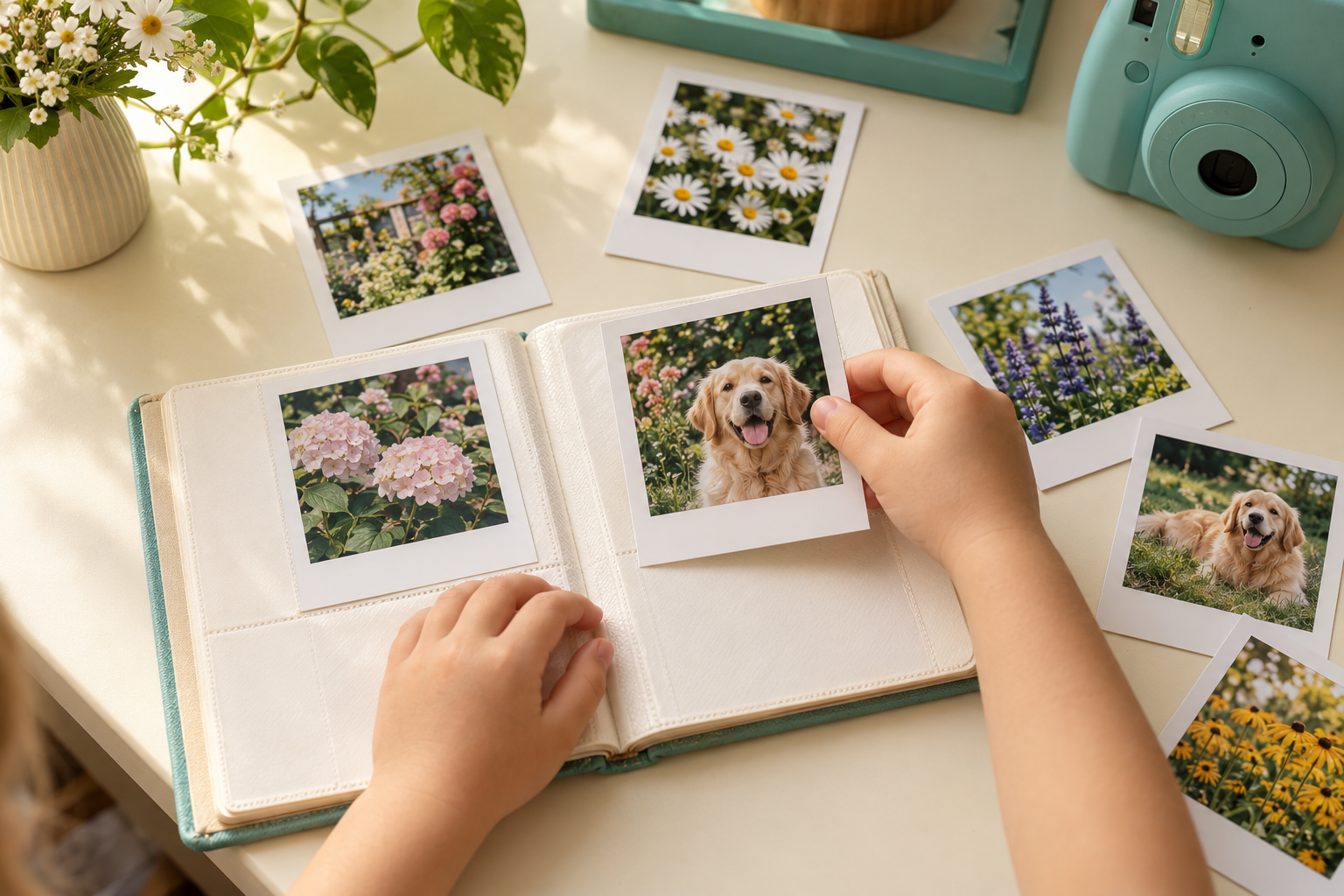
Polaroid's Small Photo Album and Go Pocket Photo Album serve different print formats. The word small does not mean that the Small album fits the smallest Polaroid pictures. Before buying either one for a child, identify the film the family actually uses. A correctly sized album can make a photo project easier to enjoy; an attractive album with the wrong pockets becomes an avoidable frustration.
Start with an existing, fully developed photograph and its film packaging or camera instructions. Do not identify the format solely by the word instant or by a white border. Polaroid Go, full-size square Polaroid formats, Fujifilm Instax formats, and other instant-print systems should not be treated as interchangeable. This guide compares two particular Polaroid albums, not every instant-photo album on the market.
Compare the options
Specified for up to 40 full-size Polaroid i-Type, 600, or SX-70 photographs. It is not compatible with Go film.
View Polaroid Photo Album Small for i-Type 600 SX-70 on Amazon (paid link)
Specified for up to 36 Polaroid Go photographs. Check that Go is the exact film format your family uses.
View Polaroid Go Pocket Photo Album on Amazon (paid link)
What fits the Polaroid Small Photo Album?
Polaroid specifies its Photo Album – Small for i-Type, 600, and SX-70 photographs. The current description lists a capacity of 40 pictures, one per page, and approximate outside dimensions of 118 by 126 millimeters. It explicitly excludes Polaroid Go photos. The album is offered in black or white, with the manufacturer describing different cover materials for those colors.
The useful buying question is whether your child's finished photographs belong to one of those named formats. If they do, this is the relevant album of the two to examine. Do not force another format into a pocket or assume that an album marketed as small must be compatible with every smaller photograph. Loose fit can also be a problem if pictures slip or move when pages turn.
What fits the Go Pocket Photo Album?
The Polaroid Go Pocket Photo Album is specified for Polaroid Go film only. The official product information lists room for up to 36 Go photographs, a canvas and poly-fleece construction, and a metal clip. Its stated dimensions are approximately 10 by 13 by 4 centimeters. The camera is not included with the album.
Think about how the child will use that format before choosing a color or carrying method. An album that goes on outings will face different handling from one that stays on a bookshelf. A clip is a feature to assess with the child's age and routine in mind, not an instruction to attach it anywhere. Keep it away from situations where it could snag or become an unsuitable accessory.
Check the print before checking the capacity
Capacity is secondary to fit. A 40-picture album is not automatically more useful than a 36-picture album if only the latter matches the family's film. Read the complete product identity on a listing and compare it with the film name. Ask a parent to do this check when the album is a gift, even if the camera itself is intended to be a surprise.
If you are still choosing an instant camera, our family instant-camera guide explains the importance of the print system. Decide on that system before buying a stack of accessories. Accessories described simply as compatible with instant cameras may refer to a different brand, print size, or generation from the one your family owns.
Let fresh photographs finish their own process
Do not rush new pictures straight into an album. Polaroid advises letting its photographs dry completely and keeping them in a cool, well-ventilated environment for the first 30 days after exposure before album storage. Follow the instructions for the exact film, including initial handling and protection from unsuitable light or conditions during development.
Create a temporary, safe holding place where pictures will not be bent, stacked against wet surfaces, or handled by very young children. Keep food, drinks, heat, and direct sunlight away. An adult should supervise the process and explain that the waiting period is part of looking after the photograph. Never cut open or dismantle instant film to see what is inside.
Turn choosing pictures into a small project
When the photographs are ready for storage, ask the child to choose a manageable group rather than filling every pocket immediately. A short story might use a beginning, a detail, an action, and an ending. Another album could follow a garden through a season or collect pictures of familiar objects from unusual angles. The child should have room to explain why a picture matters.
Lay the chosen photographs on a clean, dry surface and try an order before placing them in pockets. Avoid turning the session into a test of technical perfection. A blurry picture may still be important to the story. Our guide to telling a story with photos offers a simple sequence the family can adapt without taking more pictures just to fill space.
Make page handling easy and gentle
An adult can demonstrate how a pocket opens and how to guide a photograph without pushing a corner against resistance. Work at a table with dry, clean hands. If a picture does not fit easily, stop and check compatibility and orientation. Do not trim the border, bend the photograph, or stretch the pocket to make an incompatible format appear to fit.
Let the child turn a few pages before adding the whole collection. Check whether the album is comfortable to hold and whether pictures remain secure during ordinary handling. Keep pens, stickers, and decorative materials separate from photographs unless the materials and film guidance allow their intended use. Writing a caption on a separate card or in a notebook avoids an unnecessary experiment on the original picture.
Plan what happens when the album is full
Choose a naming system that will remain understandable next year. A short theme and approximate date range are more useful than a sequence of albums all called favorites. Keep personal information appropriate to where the album will be seen. A school name, daily route, or other identifying detail does not need to become part of a publicly shared photograph or caption.
Store the finished album in an appropriate indoor location, following the manufacturer's care guidance. Avoid damp storage, hot vehicles, and places where children must climb to retrieve it. Review the collection occasionally with the child, and keep a separate record of important context if a page has no suitable caption space. The album should remain enjoyable to open rather than becoming an inaccessible display object.
Choose the right listing with a parent
The Amazon buttons open searches for the named album models. Read the selected listing carefully for film compatibility, capacity, color, and package contents. A camera pictured beside an album may be a styling photograph rather than part of the purchase. We do not quote Amazon prices or claim current stock, ratings, or delivery dates.
Choose the Small Photo Album for the specified full-size Polaroid formats, or the Go Pocket Photo Album for Polaroid Go photographs. If your child uses a different print system, choose an album explicitly designed for that system instead. Format first, careful handling second, and a story worth revisiting are more useful priorities than choosing the fullest-looking product photograph.