Reviewed and updated: November 10, 2026
A toy that talks back in a picture, a tiny stop-motion adventure, a selfie with a wonderfully silly face: these are the sorts of ideas that give a first camera a purpose. We recommend the VTech KidiZoom Camera Pix Plus for children drawn to panoramas and little animations. Duo DX is the stronger fit for face-focused play, with a separate selfie camera and parental game controls. Let the kind of fun your child imagines guide the decision.
Which kind of camera play will your child love?
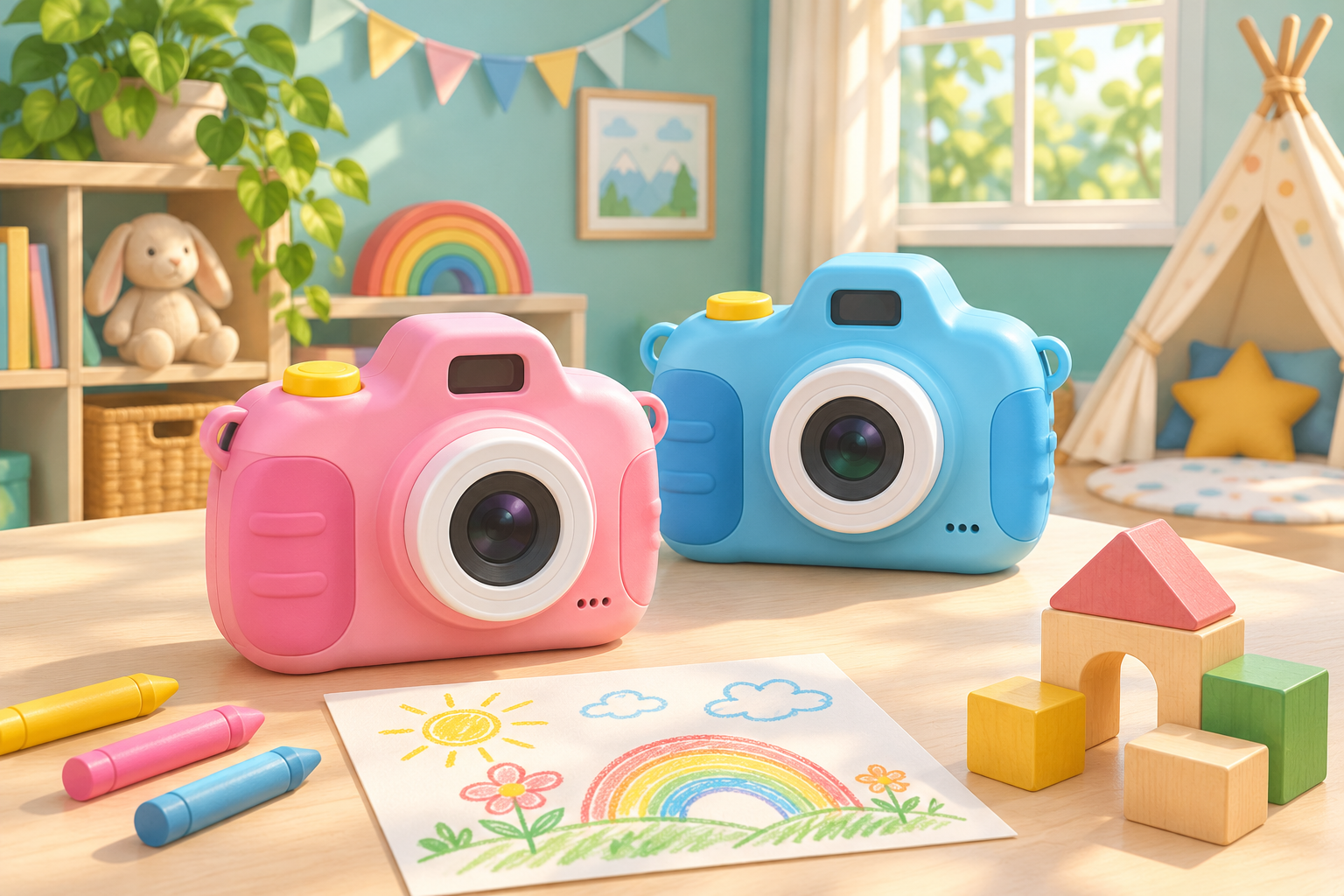
The pink Camera Pix Plus and pink Duo DX compared here are digital toy cameras, so the pictures stay on screen until you arrange a separate way to print them. Similar names cover other generations; match the exact model and included features before ordering. Pix Plus in this comparison is model 80-548950 and Duo DX is 80-520050. Those details help you find the intended camera, while your child’s creative interests help you decide whether it is the right gift.
VTech KidiZoom Camera Pix Plus — Pink
For talking-photo characters, stitched panoramas and little stop-motion stories. This 2-megapixel camera is intended for ages 3–8. The button opens Amazon search results for the pink VTech KidiZoom Camera Pix Plus.
View on Amazon (paid link)
VTech KidiZoom Duo DX — Pink
For self-portraits and face filters, with front and rear cameras and adult controls to limit or disable games. It is intended for ages 3–9. The button opens Amazon search results for the pink VTech KidiZoom Duo DX.
View on Amazon (paid link)
Picture the first little project
Ask what your child would make first. A wooden animal crossing a table or a funny talking character points toward Pix Plus’s creative tools. A collection of family faces and digital disguises gives Duo DX’s two-camera setup a clearer job. Try talking through one small project together before buying. The best feature is the one that makes your child say, ‘I know what I could do with that,’ rather than another number on the box.
These cameras are built around creative play, not a promise of detailed sports photographs or large display prints. The resolution figure describes the file, while light, movement and framing still affect the picture. A bright, calm scene gives a young photographer more to work with than a dim room full of racing toys. If strong low-light performance or detailed action pictures are the main goal, investigate a different type of camera.
Pix Plus brings toys into the story
Pix Plus can turn a toy into the star of a little animation. Keep the background still while your child moves the character a small amount between pictures. A very short sequence is enough to discover the idea; there is no need to begin with the maximum frame count. Talking Photo and panorama options offer other directions when your child wants to try something new, without making the first project an enormous production.
Begin with a wide view and move to a sensible position when it is safe, rather than making digital zoom the main attraction. Ask what should stay at the edges of the picture: does the toy need its whole cardboard castle, or just the doorway? The foreground and background game gives those choices a playful purpose before you introduce more effects.
Duo DX puts your child in the picture
Duo DX is more appealing when your child keeps wanting to be in the picture. Its separate selfie camera and live face filters support that kind of play, while an MP3 player and animation features broaden the entertainment options. That variety can suit a child who likes changing activities. It also makes the camera a busier device, so decide how much of that extra entertainment fits the gift you want to give.
If games tend to steal the show, Duo DX lets you set time limits or turn them off. Arrange those settings before gift time and explain them simply, so photography does not begin with a surprise argument about the games. The selfie camera can still be a reason to favour this model. For a family that wants fewer distractions altogether, a camera with a simpler feature set may be a happier fit.
Make the first buttons feel friendly
An age label is a starting point, rather than a promise that every child can use every menu independently. Look at the grip and controls together. Can your child hold the camera steadily, find the shutter and recognise how to see the last picture? If menus are frustrating, start with ordinary photographs and adult help. The funny filters can wait until taking a picture already feels comfortable.
Give the first session a patient star: a familiar toy beside a window. Let your child make a few pictures from different positions, then ask which one tells the story best. Ten quiet minutes can be enough for a satisfying beginning. The one-window photography project offers a simple scene without extra equipment, leaving the attention on the child’s ideas rather than a complicated setup.
The grown-up preparation before gift day
Both compared models require four AA batteries. VTech says Pix Plus batteries are not included; Duo DX’s included batteries are for demonstration, with new batteries recommended for regular use. Treat battery preparation as part of the gift setup. An adult should follow the manual for replacement and storage, keeping loose batteries away from younger children and stopping use if the compartment or batteries are damaged.
Pix Plus supports memory expansion up to 32GB, and VTech says its memory card and USB transfer cable are not included. Confirm the exact supported card format and cable connection in the model’s manual before adding accessories. Do not assume that a USB connection charges an AA-powered camera. Arrange a place on the family computer for saved pictures before a child starts deleting files to make room.
Give those first pictures a little audience
Digital photography lets your child try another angle without using a new sheet of film. You can select favourites together and arrange an adult-managed route to a computer, print order or family album. Neither camera produces paper photographs as soon as the shutter clicks. If that is the part your child is most excited about, a camera with a built-in printer is a different gift to consider.
Before photographing siblings or friends, practise asking permission. Review pictures together before sharing, keeping school information, bedroom details and other identifying material out of public posts. A private family showing can still feel special. Let your child pick three favourites and explain what happens first, next and last; our photo-story guide helps turn that little selection into a finished adventure.
Which should you buy?
Pix Plus is our recommendation for a child eager to make talking pictures and small animations with your setup help. Duo DX makes more sense when a separate selfie camera and game controls answer your family’s needs. Both need realistic expectations about the digital pictures and some adult preparation. Buy for the project your child wants to return to, rather than the longest list of things a camera can do.
Match the exact Camera Pix Plus or Duo DX version before ordering; an older camera with a similar thumbnail may have different features. Then plan one small first project. A toy crossing a scene or a funny family portrait is enough to give the new camera a story of its own.