
Reviewed and updated: November 5, 2026
Choose the VTech KidiZoom Camera Pix Plus for a child who wants to build pictures, panoramas and little animations. Choose the KidiZoom Duo DX when a separate selfie camera and explicit parental game controls matter more. Both are creative toy cameras; the better purchase depends on what your child will actually do after the first afternoon.
Two cameras for different kinds of play
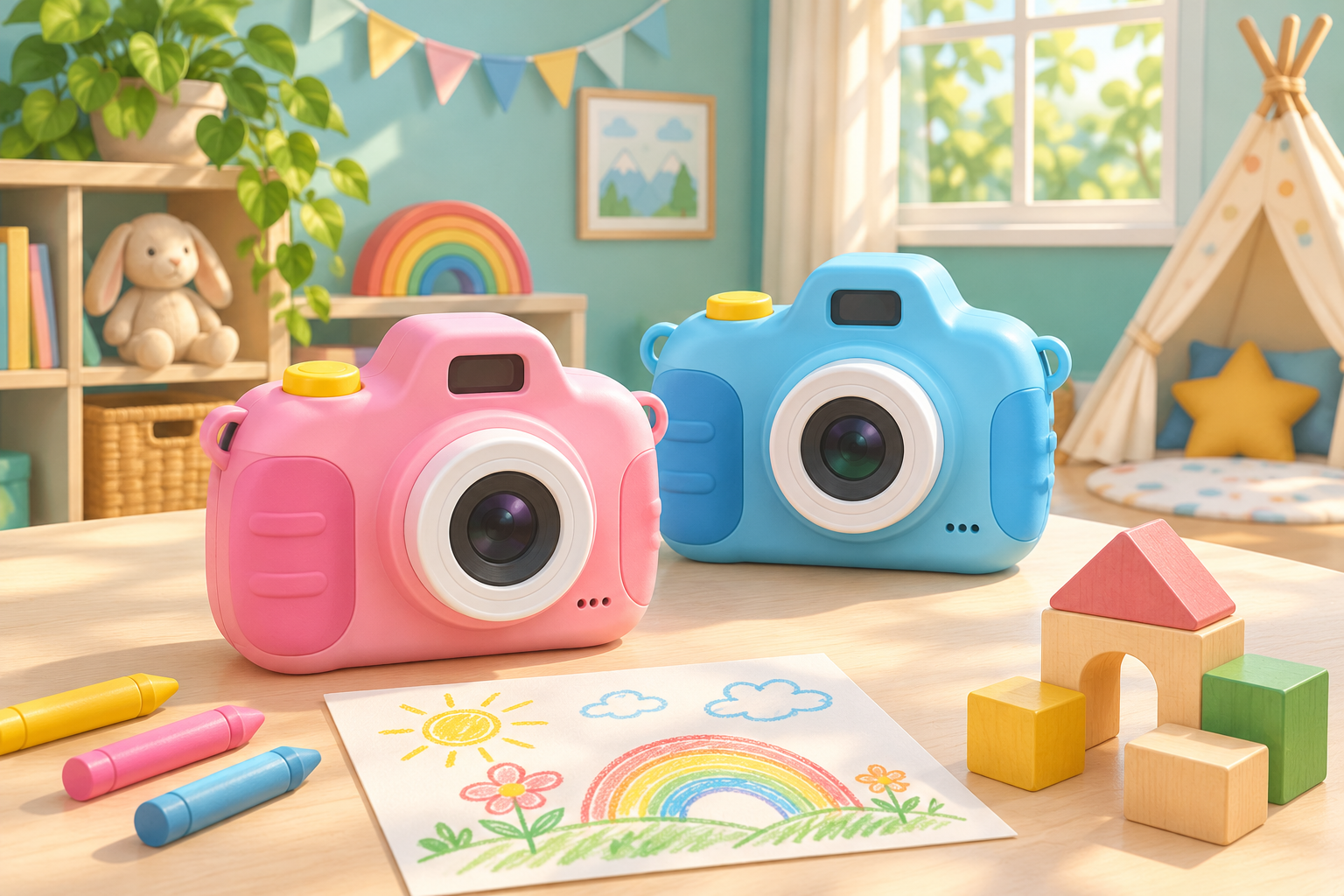
This comparison uses VTech’s published product information and parent guides, with recommendations based on those features rather than hands-on testing. We compare the pink Camera Pix Plus, model 80-548950, and pink Duo DX, model 80-520050. Similar names cover other generations, so match the full name and model before ordering. Neither is an instant printer: pictures are digital, and making paper copies requires a separate workflow.
VTech KidiZoom Camera Pix Plus Pink 80-548950
Choose for: small creative projects. VTech lists a 2-megapixel camera, 1.8-inch screen, 4X digital zoom, Talking Photo, panoramas stitched from two to five images, animations of up to 100 photos and four games. The stated age range is 3–8 years. Skip if: a dedicated rear-facing selfie camera is your main requirement.
View current Amazon search results for VTech KidiZoom Camera Pix Plus Pink 80-548950 (paid link) (paid link)
VTech KidiZoom Duo DX Pink 80-520050
Choose for: self-portraits and parent-managed entertainment. VTech lists a 5-megapixel front camera, 2-megapixel rear-facing camera, live face filters, and controls to disable games or set time limits. The stated age range is 3–9 years. Skip if: you want a narrowly focused photography device without extra entertainment functions.
View current Amazon search results for VTech KidiZoom Duo DX Pink 80-520050 (paid link) (paid link)
Start with the activity, not the megapixels
Ask your child to describe three pictures they want to make. If the answers involve a toy moving across a table, a funny talking character, or a wide view of a bedroom display, Pix Plus has a useful set of creative tools. If the answers involve self-portraits, family faces and trying on digital disguises, Duo DX’s two-camera arrangement is the clearer reason to choose it.
The published resolution figures describe files, not a guarantee of pleasing photographs. Light, movement and where the child points the camera still matter. A larger number alone does not establish that one camera will produce better results in your living room. For a child expecting detailed sports pictures, strong low-light results or large display prints, pause before buying either toy-camera option.
Choose Pix Plus for a small creative project
Pix Plus makes most sense when a parent can suggest one manageable assignment. Try a short animation of a wooden animal crossing a scene, keeping the background still while moving the toy a little between frames. The camera’s creative modes provide a reason to return to the same subject instead of collecting dozens of unrelated pictures. Start with a short sequence before attempting the maximum frame count.
Its digital zoom should not be the main purchase reason. Begin with the widest view, then move to a sensible position when it is safe to do so. Ask the child to check the screen for unwanted objects around the edge. Our foreground and background toy-photo game offers an easy way to practise arranging a scene before adding effects.
Choose Duo DX for face-focused play
A dedicated rear-facing camera gives Duo DX a distinct role for a child who frequently wants to put themselves in the picture. VTech also describes live face filters, an MP3 player and animation features. That makes it a broader entertainment device, which can suit a child who enjoys switching between activities. It also gives parents more decisions about how the camera will be used.
Its documented parental controls are especially relevant if games tend to take over. Adults can switch games off or set time limits. Decide those settings before giving the camera as a present, then explain when photography time begins and ends. Skip Duo DX if these extra entertainment functions are distractions your family does not want; choosing it simply for the larger front-camera resolution misses the more practical distinction.
Check the controls your child can manage
Age labels are a starting point, not a promise of independent use. A child still needs to hold the camera steadily, find the shutter and recognise the playback controls. Look at the button layout and grip shape together before buying. If your child becomes frustrated by menus, plan an adult-led first session that uses ordinary photographs before introducing filters, recordings or game settings.
Make that first session a quiet ten-minute activity rather than a family event everyone wants photographed. Pick one familiar toy, use a clear background and let the child take a few pictures from different positions. Review them together and ask which one tells the clearest story. Our one-window indoor photography project provides a simple scene without requiring extra equipment.
Allow for batteries and saving photographs
Both compared models require four AA batteries. VTech says Pix Plus batteries are not included; Duo DX’s included batteries are for demonstration, with new batteries recommended for regular use. Treat battery preparation as part of the gift setup. An adult should follow the manual for replacement and storage, keeping loose batteries away from younger children and stopping use if the compartment or batteries are damaged.
Pix Plus supports memory expansion up to 32GB, and VTech says its memory card and USB transfer cable are not included. Confirm the exact supported card format and cable connection in the model’s manual before adding accessories. Do not assume that a USB connection charges an AA-powered camera. Arrange a place on the family computer for saved pictures before a child starts deleting files to make room.
Think about where the pictures will go
Digital pictures need an adult-managed route to a computer, print order or family album. If the child’s main wish is a physical photograph immediately after pressing the shutter, these cameras do not satisfy that wish on their own. If the goal is learning to choose favourite pictures and make a sequence, a digital camera can support that process without printing every attempt.
Agree on permission for photographing people, especially siblings and visiting friends. Review pictures together before sharing, and keep bedroom details, school information and other identifying material out of public posts. A useful weekly habit is choosing three favourites and describing what happens first, next and last. Our photo-story sequence guide develops that idea into a repeatable family project.
Which should you buy?
Buy Pix Plus when its particular project tools match your child’s interests and you are comfortable helping with setup and file transfers. Buy Duo DX when a separate selfie camera and documented game controls solve a clear family need. Skip both if the intended recipient wants a printer, a camera for demanding image quality, or a device with no entertainment distractions. Matching expectations matters more than picking the longer feature list.
The two buttons open Amazon searches for the named pink models, not exact product listings. Check the model number, colour, package contents and accessory requirements in whichever result you consider. Do not substitute an older Camera Pix or Duo solely because the thumbnail looks similar. Choose the feature your child will use repeatedly, and plan the first small photo assignment before ordering.