instax mini 12 vs. mini 41: Which Should You Buy for a Child?

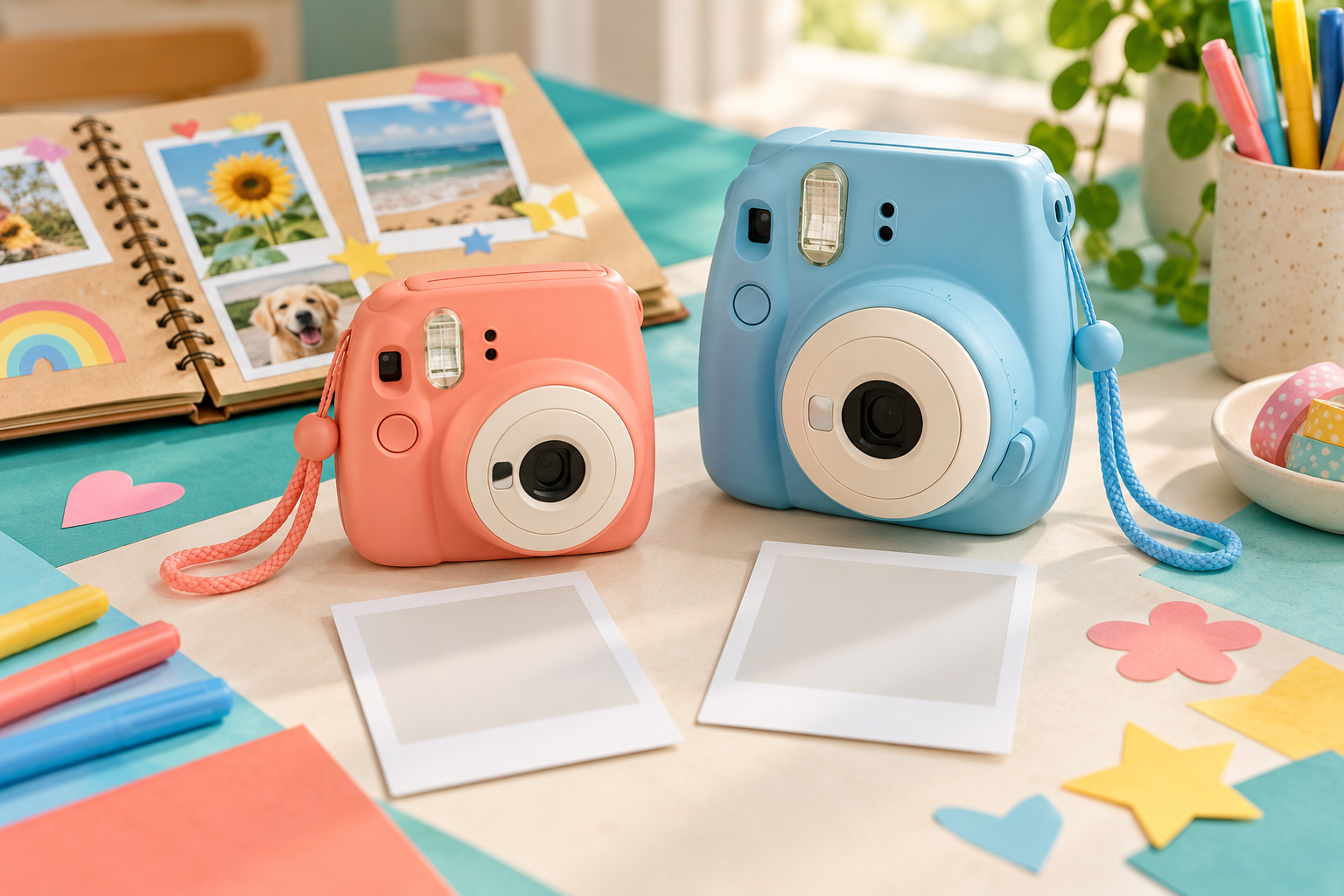
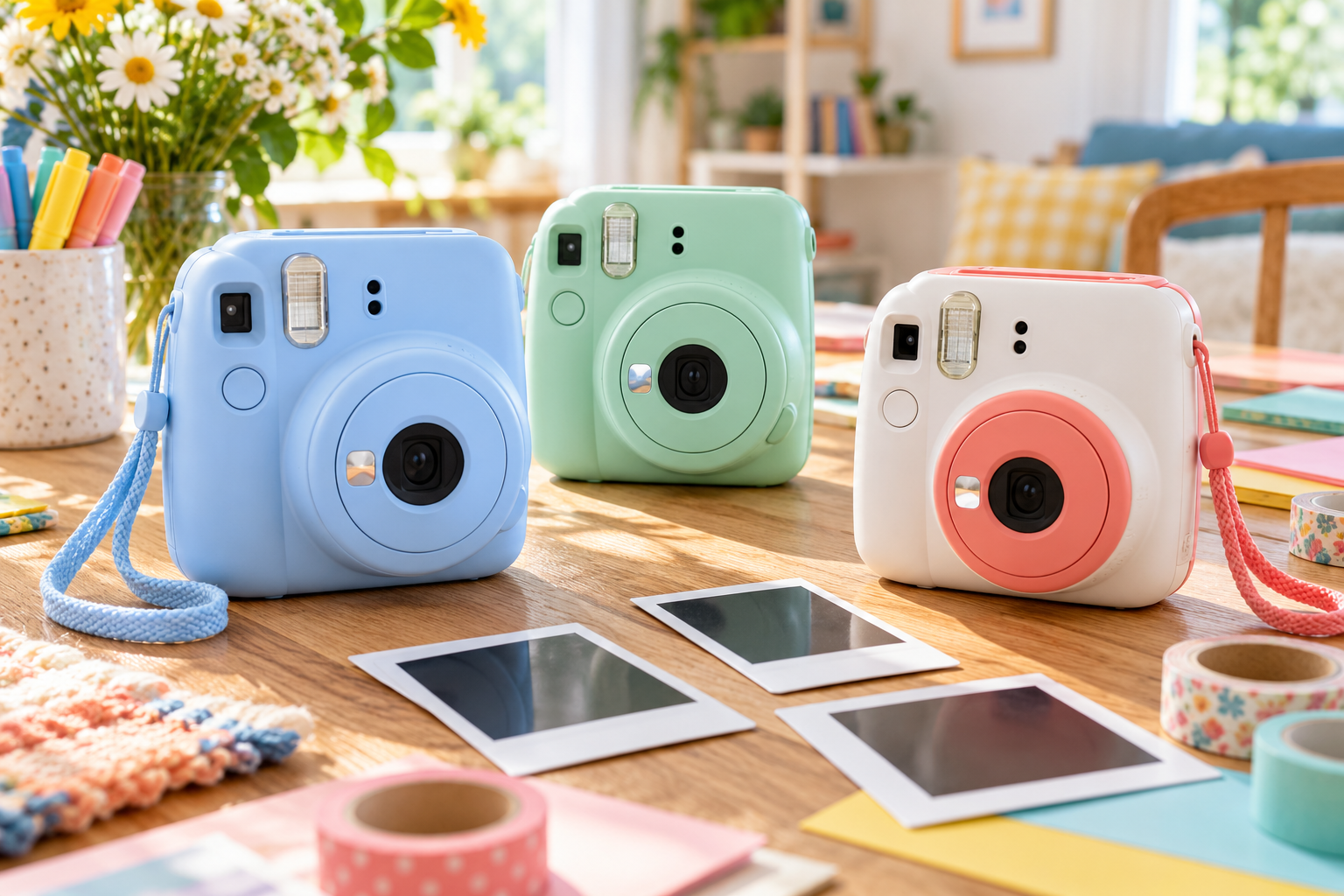
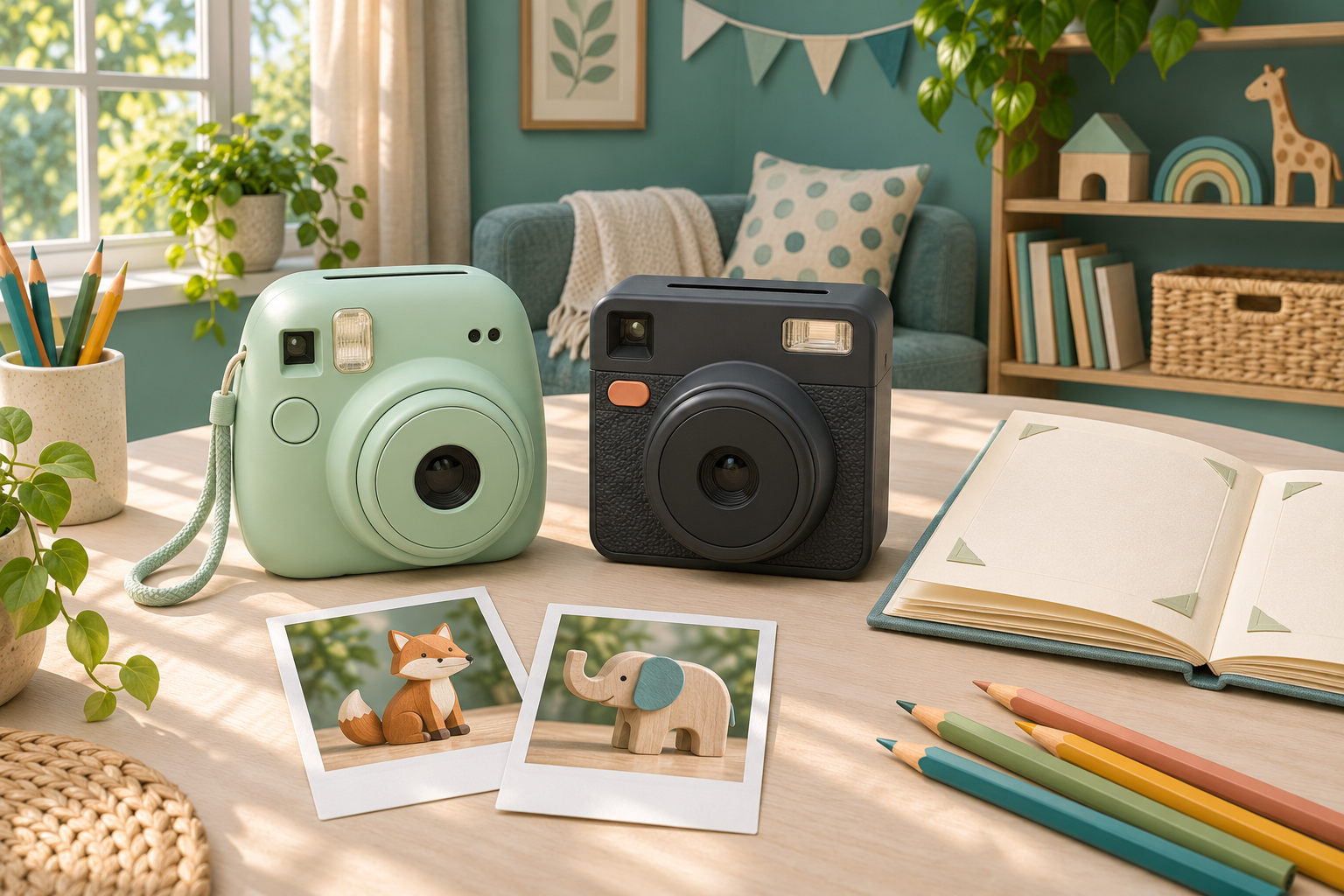
Conceptual illustration of pastel and dark unbranded instant cameras beside an album and toy photographs

Reviewed and updated: November 10, 2026

A photo of the birthday cake, a serious portrait of a teddy bear, a tiny picture for Grandma: an instant camera gives your child something to hold after the shutter clicks. We recommend the Fujifilm instax mini 12 for its lighter body and playful pastel look. The mini 41 suits a child who loves a textured, retro-style camera. Their main shooting features are very similar, so this is mostly a decision about handling and personality, with the same small film format to enjoy.

The fun starts with a real little print

Both cameras turn each shot into a film print. There is no screen for checking a picture before it uses film, which makes a little planning part of the experience. If your child enjoys deciding that a moment deserves a keepsake, that can be lovely. If they want to take dozens of practice pictures and keep only a few, a digital camera is a better starting point. Work out which kind of photography will make them want another turn.

Its unloaded weight is 306 g.

01

Fujifilm instax mini 12 Instant Camera

A lighter, rounded pastel camera for small keepsakes, with automatic exposure and close-up parallax correction.

Find in Amazon (paid link)

02

Fujifilm instax mini 41 Instant Camera

A dark, textured camera for a child who loves the retro look, using the same mini film and main shooting features as the mini 12.

Find in Amazon (paid link)

What will go on the first scrapbook page?

Imagine your child’s first photo collection: a favourite toy beside a family portrait and a picture from the garden. Each print has a place in a birthday guest book or scrapbook, rather than disappearing into a camera roll. The pleasure is making a few pictures your child wants to keep.

If your child would prefer to inspect each photograph first, a digital or hybrid instant camera offers a different experience. Another option is to take digital pictures and print a small selection together. Our SELPHY printer comparison explores that route for family projects. Thinking about the finished pictures before the camera colour helps you buy the kind of fun your child is actually expecting.

The same little film format

Fujifilm specifies the same instax mini film format and 62 × 46 mm picture area for both. Each has automatic exposure, a 60 mm f/12.7 lens and a close-up mode for subjects 0.3–0.5 m away. Both include close-up parallax correction, which adjusts viewfinder framing for nearby subjects. Those similarities are good reasons to resist reading “41” as a promise of more advanced results than “12.”

Either camera gives you the same small print format without a digital preview. The mini 41’s larger number does not make its pictures larger. Appearance deserves a place in the decision if it makes your child eager to pick the camera up; keep that preference separate from a promise of better photographs.

Mini 12 brings a lighter, pastel personality

The mini 12 looks ready for a playful photo outing, with a rounded shape and pastel colours. Its 306 g weight excludes film, batteries and strap, so the ready-to-use camera will weigh more. That makes the figure a useful comparison point, rather than a promise of comfort in every small hand. Look at whether your child can reach the shutter without changing grip or covering the lens. Their hands matter more than a product picture.

If possible, let your child handle the camera before buying. Ask them to hold it with two hands, look through the viewfinder and find the shutter. You could pretend the shop display is a teddy-bear portrait studio, without taking a shot. Watch whether the camera stays steady as they press. A camera that feels comfortable makes it easier to concentrate on a face or a funny toy pose when the real photographs begin.

Mini 41 has a grown-up camera look

The mini 41 has a different personality: a dark, textured body, metallic-like finish and orange accents. Fujifilm describes the texture as helping grip. Its unloaded weight is 345 g, or 39 g more than the mini 12 on those manufacturer figures. The texture is worth feeling in person if you can, but it cannot guarantee a secure hold. Your child still needs a comfortable two-handed grip and clear access to the controls.

We would favour the mini 41 when your child loves the traditional camera look. If the offers cost different amounts, decide how much that preference matters to your family. You are still buying the same film size without a preview screen. The darker finish changes the style of the gift, not how the pictures are made.

A quick flash check before the first portrait

Both specifications describe a flash that fires for every shot with automatic light adjustment. Their stated effective flash range is 0.3–2.2 m. That gives a family a useful planning limit: a nearby portrait is a more suitable starting activity than expecting the flash to light a distant stage. Neither model offers the flash-off choice some buyers may assume is standard.

If you need a flash-off setting, look at a different camera. For ordinary home pictures, a nearby portrait is a more suitable beginning than a distant stage or a whole room. Let your child give a willing toy its first photo session, check the edges of the viewfinder and pause before pressing the shutter. Keep flash use comfortable for anyone being photographed and follow the camera’s instructions. A small plan makes each film frame feel purposeful.

Save room in the gift plan for film

Both models use instax mini film, sold separately in Fujifilm’s specifications. Check the actual package rather than assuming every camera offer includes it. We would make the film plan part of the present: enough for a first activity, with a clear agreement about how many pictures to take. Your child can help decide which moments deserve a print. Planning the next refill matters more than a bundle full of accessories they may never use.

For the first page, try three different subjects: a toy, a willing family member and a tiny detail from home. That makes a more interesting collection than repeating one portrait until it feels perfect. Our photo scavenger hunt has ideas you can narrow to a few film-friendly prompts. Let your child name the page and enjoy the small finished project before adding more equipment or a longer assignment.

Get ready for the first teddy-bear portrait

Each camera requires two AA alkaline LR6 batteries. An adult should manage battery and film setup according to the exact model’s instructions. Confirm the camera name, colour, film and included accessories in the offer you are considering. A big bundle photograph can make a gift look ready for anything, but the useful extras are the ones your family will use. Start with a working camera, the right supplies and somewhere to keep those first prints.

A simple album page is enough for the first afternoon. Show your child how to switch on, frame the picture and take a shot, then make time to enjoy the result together. The teddy bear does not need a professional portrait session, and a slightly wonky picture can still belong in the collection. Give the camera a safe storage place so it is ready when the next small photo idea comes along.

The buying decision

The mini 12 is our recommendation for its lighter pastel design when that feels right in your child’s hands. The mini 41 earns its place when its dark, textured retro styling is the look they love. The shared film format and shooting features make those preferences more useful than the model numbers. For lots of practice pictures and a screen to review them, we would buy a digital camera instead.

For a child excited by paper keepsakes, either can become the beginning of a small photo collection. Match the handling and style to your child, plan for film, and give the first pictures somewhere to live. The best part of the gift may be seeing which ordinary things they decide are worth remembering.
TG-7 vs. WPZ2: Which Rugged Camera Fits Your Family?

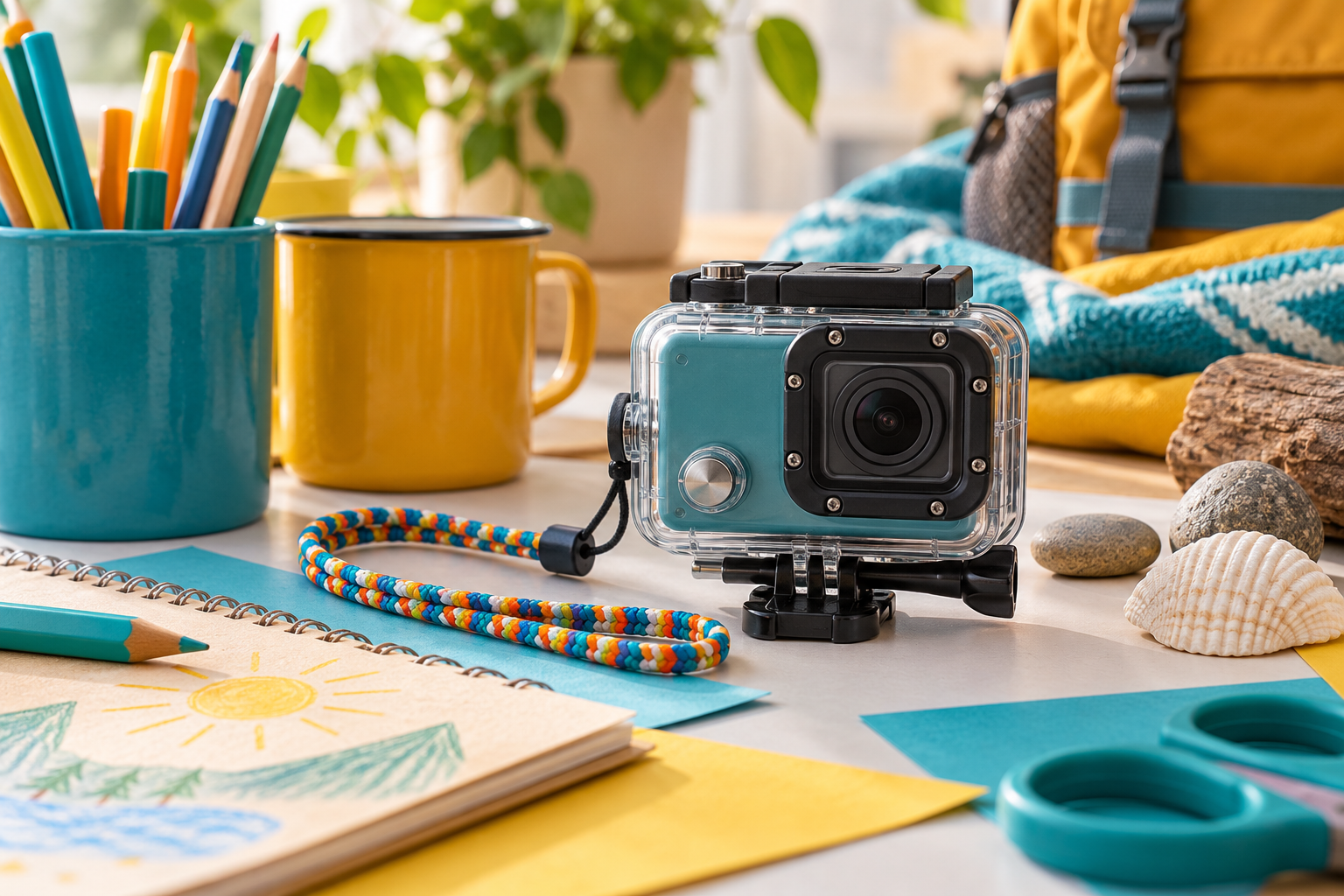
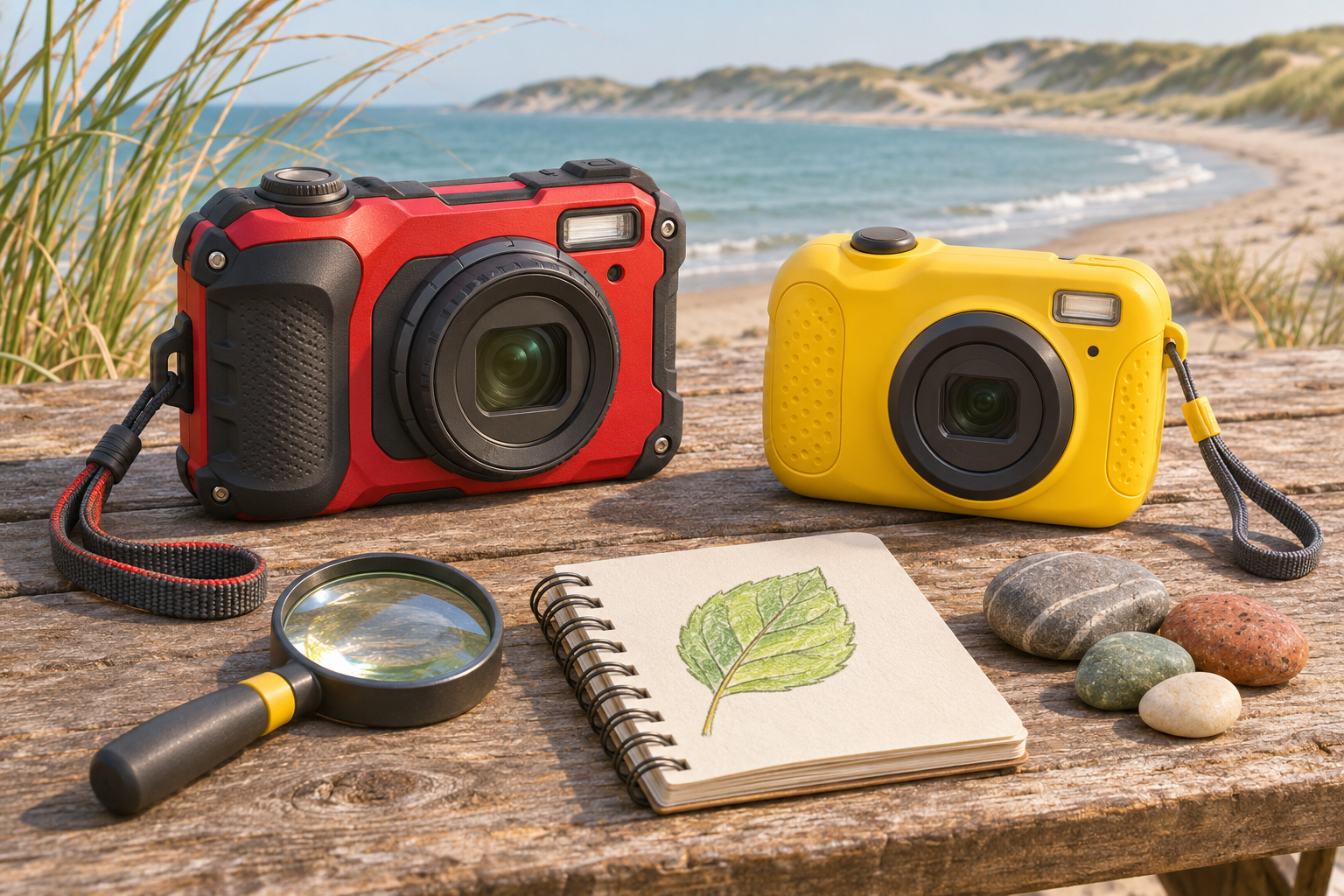
Conceptual illustration of two unbranded rugged cameras on a dry table beside a nature sketchbook

Reviewed and updated: November 10, 2026

A leaf can look like a tiny forest when your child gets curious with a camera. We recommend the OM SYSTEM Tough TG-7 for families who want to explore close-up nature pictures together, with RAW files and 4K video available as that interest grows. The KODAK PIXPRO WPZ2 is a more straightforward match for outdoor snapshots and Full HD clips. Both are real cameras that need adult-managed care, so start with the pictures your young explorer wants to make.

A camera for your young explorer

These cameras suit a supervised move beyond toy-camera play. Your child might be ready to frame a campsite, inspect a stone’s texture or document a family outing, while you handle charging, seals and storage. Neither camera makes instant prints, and rugged does not mean indestructible or safe to use without supervision around water. The right purchase combines an interesting photo project with equipment your child can hold comfortably and a care routine you can support.

The TG-7 has a 12-megapixel sensor, RAW capture and close-up modes for developing interests.

01

OM SYSTEM Tough TG-7 Digital Camera

Explore leaf veins, toy details and small discoveries together.

Find in Amazon (paid link)

Record family outings with a 16-megapixel sensor, 4× optical zoom, a 2.7-inch display and Full HD video.

02

KODAK PIXPRO WPZ2 Digital Camera

A rugged compact option for supervised family outings when you’d rather give a child a dedicated camera.

Find in Amazon (paid link)

What belongs in the first adventure album?

Ask your child what belongs in their first adventure album. A campsite, a muddy boot photographed from a dry spot and a favourite toy beside a tree make a different collection from detailed studies of leaf veins. Those ideas help you decide whether specialist close-up tools will be exciting or simply extra settings to manage. A camera of their own can already make an ordinary walk feel like a hunt for things worth noticing.

Both cameras offer 4× optical zoom, but neither is a long-reach wildlife camera. Keep the photo mission close to a safe viewpoint: patterns in bark, a bright leaf or the shape of a shadow. The shared zoom figure does not make their lenses or results identical. Our photo scavenger hunt gives those first nearby discoveries a purpose without making advanced equipment the main event.

TG-7 makes tiny details worth exploring

The TG-7 has a particular appeal if your child keeps asking to see small things up close. Its close-up system includes a 1 cm closest focusing distance, Microscope mode, focus bracketing and focus stacking. You can learn those tools together as your child’s questions grow. They are a reason to investigate this camera for a real interest in details, rather than an automatic upgrade for every family outing.

Begin the close-up adventure on a dry table with a leaf, textured stone or toy figure. Ask which tiny detail should be the star, then help position the camera. One subject against a simple background keeps the experiment manageable. The fascination can come from noticing something ordinary in a new way. Keep wildlife undisturbed and never move closer to an unsafe subject just because the camera can focus at short distances.

WPZ2 suits an outing full of snapshots

The WPZ2 covers a straightforward family-photo brief with JPEG stills, a 16-megapixel sensor, 4× optical zoom and 1080p video. Its 2.7-inch display is worth considering when you look at the controls together. We would buy it for the snapshots and clips you actually want, rather than treating its larger megapixel number as proof of better photographs than the TG-7’s 12-megapixel specification. Light, framing and handling still have work to do.

Imagine giving your child a three-picture mission: show the whole scene, move safely nearer for the subject, then find one detail. If that is the kind of photography they enjoy, the WPZ2’s ordinary snapshot role may be enough. If they keep wanting a closer look or want to process RAW files with your help, the TG-7 offers a more specific next step. Let the growing curiosity lead the shopping decision.

Room to grow, if the extra tools have a job

TG-7 adds RAW capture and 4K recording; WPZ2 records JPEG photographs and 1080p video. RAW files are worthwhile when someone wants to manage and edit them, while 4K needs a use for the footage and enough storage. Your child’s first adventure album does not need every advanced option. These differences matter when they support a project you want to develop together, rather than simply making one feature list longer.

Give the finished pictures a little audience. Your child could pick three discoveries to show at home and explain what caught their attention. Agree on who copies the files and which pictures may be deleted before the memory card fills up. A clear system for organising the originals keeps those early discoveries safe without turning the end of every walk into a long computer task.

The water-care details for grown-ups

Both manufacturers publish a 15 m waterproof specification. That does not settle the purchase by itself. OM SYSTEM’s manual explains that resistance ratings depend on specified pressure, time and test conditions, and do not guarantee against damage or failure. Read the exact model’s complete care instructions before planning wet use; a depth figure is not permission to use a camera in every watery situation.

An adult should handle covers, seals, charging and card changes, and keep that work in a clean, dry place. Follow the manufacturer’s preparation, cleaning and drying instructions rather than improvising from another camera’s routine. Do not encourage deeper water, rougher play or deliberate drops to test the claim. If the family will not keep up with the care routine, choose an outing where a camera can stay dry and protected.

Small hands need a comfortable camera

Comfort is worth checking before the first outing. Can your child reach the shutter, keep fingers away from the lens and hold the camera steadily with both hands? If possible, let them handle the intended model in a suitable setting before buying. A camera that fits makes it easier to concentrate on an interesting leaf or a family face. Specifications cannot tell you how the controls will feel in your particular child’s hands.

Plan the first session on dry land with an adult nearby. Start with switching on, taking a photograph and looking at it together. There is time for scene modes and wireless transfers later. A toy figure makes a patient first subject while your child learns the buttons. Rugged construction does not remove the consequences of losing a real camera, so a calm beginning and a regular storage place still matter.

Pack for the first photo mission

TG-7 uses SD-family removable media, while WPZ2 specifies microSD-family media. Check the manual’s supported type and recording requirements before reusing a card from another device. Match included items against your actual setup needs.

Both use rechargeable batteries, so plan adult-managed charging before the first outing. Keep a separate place for the camera and accessories, and check that the child knows where the camera goes when the activity ends. A clear routine for packing and returning it may matter more than adding accessories immediately. Start with what the manufacturer requires, then add equipment only for a demonstrated need.

Which should your family buy?

The TG-7 is our pick for an adult-supported interest in tiny nature details, RAW editing or 4K clips. The WPZ2 fits a simpler outing built around JPEG photographs and Full HD video. If your child mainly wants playful controls or immediate paper pictures, a toy or instant camera may be more satisfying. Buying for the activity they are excited about is more useful than buying the toughest-looking camera.

Begin with one manageable photo adventure and a few pictures to enjoy together afterwards. The camera should help your child notice their world, from a campsite view to the pattern on a stone, while you take care of the equipment. That shared sense of discovery is the reason to make room for it in the family bag.

Canon SELPHY QX20 vs. CP1500: Photo Printers for Family Projects

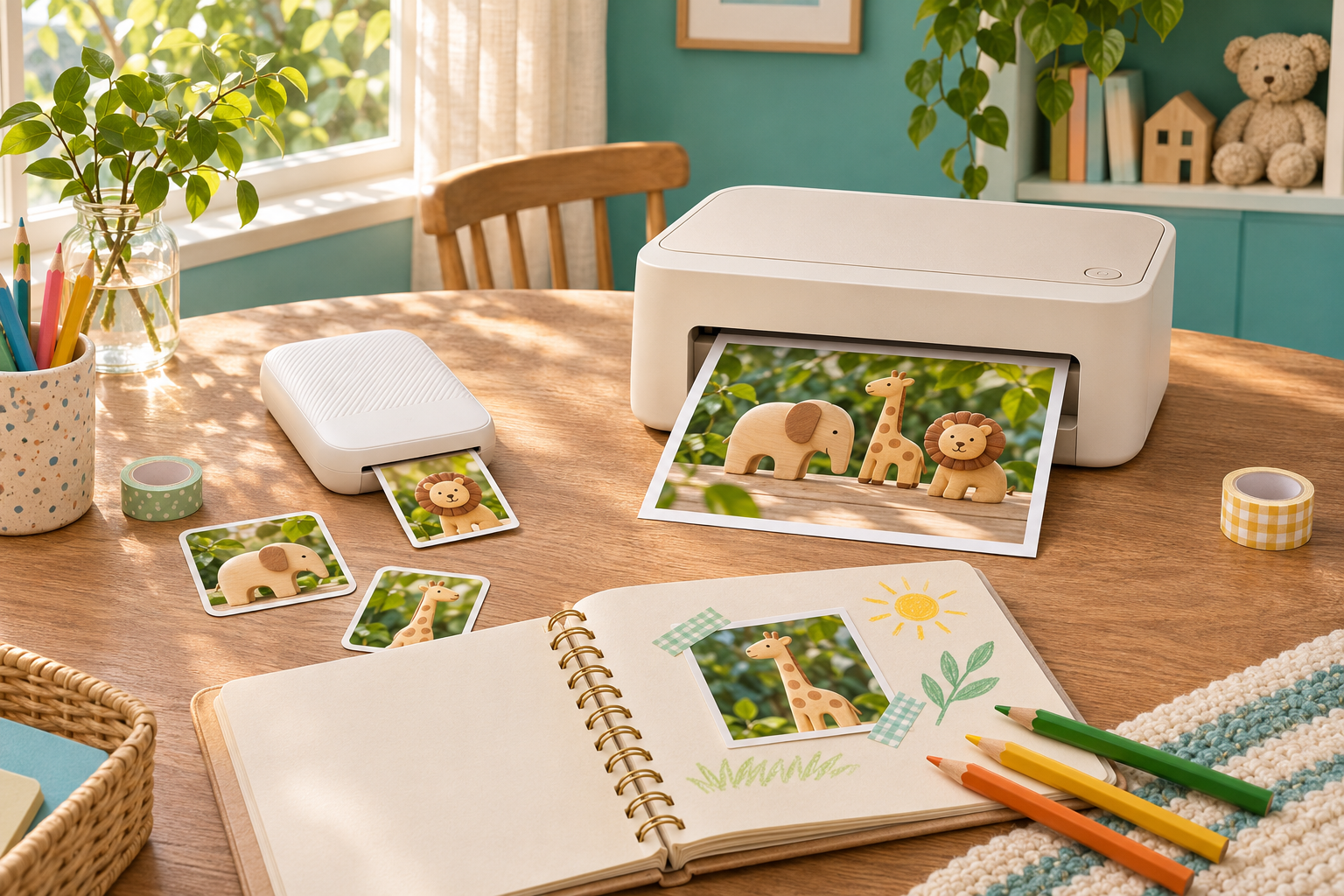
Conceptual illustration of small and tabletop photo printers beside toy-animal prints and a scrapbook

Reviewed and updated: November 10, 2026

A toy adventure can become a scrapbook page; a family day out can become a picture for the album. We recommend the Canon SELPHY QX20 for small photo stickers your child can build drawings and stories around. The CP1500 suits a shared family printing spot, especially when you want larger 4-by-6-inch photographs. The useful question is what your child wants to make with the picture once it leaves the printer.

From favourite picture to something you can keep

You manage the printer while your child directs the creative part. Neither model takes photographs, so you need an existing digital picture and a compatible way to send it for printing. These are adult-managed photo printers, not children’s cameras or toys. With that setup in place, you can enjoy selecting the pictures together, then let your child turn a few favourites into a page that feels like their own.

QX20 has a built-in rechargeable battery and USB-C charging.

01

Canon SELPHY QX20 Compact Photo Printer

Make small square or card-format photo stickers for journals and family craft pages.

Find in Amazon (paid link)

02

Canon SELPHY CP1500 Compact Photo Printer

Build a family printing spot for 4-by-6-inch album photographs, with SD-card, Wi-Fi and USB input options.

Find in Amazon (paid link)

Leave room for drawings, or give the photo the whole page

Put a blank piece of paper beside the notebook or album your child wants to fill. A tiny toy portrait might need room for a drawn castle, while a family photograph may deserve a page of its own. Sketch the picture’s space first and leave room for a caption. That little plan tells you more about the right printer than its size on a desk. A sticker accent and a larger album print do different jobs.

QX20 offers square and card-format sticker media; CP1500 supports postcard-size 4-by-6-inch prints among its formats. That difference decides how much room the photograph takes up and how much space your child has for drawing around it. The smaller printer cannot produce a larger sheet through a future setting. For conventional family album pictures, we would begin with CP1500; for a journal full of little photo discoveries, QX20 is the more relevant shape of purchase.

QX20 makes little stickers for big stories

QX20 suits a project that starts with pictures on your compatible phone. You can help select the photographs while your child imagines where they belong in a journal. Its SELPHY Photo Layout app supports iOS and Android; check the current requirements against the device you will use. Canon lists XS-20L square sticker paper and XC-20L or XC-60L card-format sets, so match the supplies to the kind of page you want to make.

A toy could have a whole afternoon’s adventure on one page: setting off from its cardboard house, discovering a leaf, then returning home. Let your child decide which moment deserves the most space. Arrange scrap-paper shapes before committing the stickers. A beginning, middle and end gives a few favourite pictures a story without asking the printer to produce a huge stack of them.

CP1500 brings everyone’s pictures to the album

CP1500 is the stronger fit when several family members want pictures for an album or display. Its built-in 3.5-inch display and direct SD-card support offer a different working pattern from an app-centred pocket printer. Canon also lists Wi-Fi, AirPrint and USB connections. Those options matter when the photographs start on different devices, though you still need to check file and device compatibility.

A regular family photo session can be a small event to look forward to. Gather a few favourites, let your child pick one to print, and enjoy adding it to the album together. CP1500 can stay in a supervised workspace, ready for that shared routine. A compact sticker printer is easier to carry for a journal you fill elsewhere, but it still needs an adult-managed place to operate.

Help the picture find its way to the printer

Before buying, follow one picture from the camera to the proposed printer. A toy camera’s photographs may need copying to your computer or phone first. A card slot does not read every camera’s storage, and a matching-looking cable does not guarantee a direct connection. Sorting that out now means your child’s first excited request for a print has a clear answer, rather than a search for an adapter you do not own.

QX20 has no card slot, and its USB-C port is for charging only. CP1500’s USB-C connection does not support charging. Similar-looking sockets therefore have different jobs here. Before choosing, list the device holding your pictures, the connection you will use and any required adapter. Our guide to organising a child’s photo library helps keep originals separate from the smaller selection prepared for printing.

Keep the right supplies ready for the next page

The QX20 sticker sets and CP1500 supplies are separate systems. Treat the printer name, paper format and matching ink as one purchase decision. A packet described only as SELPHY paper is not enough information. Check the compatibility list for the exact printer and the cassette required for your chosen size; do not assume an accessory pictured beside a printer is included.

Start with one paper format and keep the supply packaging so you can find the correct replacements. An adult should store materials as instructed and load the printer. Every new batch needs the right dedicated supplies, so include refills in the buying decision. If your family would prefer fewer things to maintain, sending a small selection of digital photographs for printing is another way to make the album without owning either device.

The grown-up setup behind the craft session

QX20 has a built-in rechargeable battery and USB-C charging; Canon’s specification sheet says a power adapter is not included. CP1500 includes an AC adapter, with battery operation requiring a separate compatible pack. Decide whether the printer will actually leave the house. A built-in battery is useful only if moving between places is part of the project you want to do.

Both still deserve a clean, stable adult-managed area. Leave the clearances required in the manual and keep fingers away from the paper path while printing. Keep drinks, craft glue and loose glitter elsewhere. Set up power leads so nobody pulls the device from the table. The child can direct picture selection and page design while an adult handles supplies, connections and charging.

Let your child decide what belongs in the picture

Before you print, ask your child what must stay inside the photograph. Is it the toy’s surprised face or the whole cardboard castle? Check sharpness, faces and the crop on screen; a square crop can remove an important part of a wide picture. Keep the original so you can try another version later. The printer makes the keepsake, but your child’s choice of what matters gives that keepsake its story.

Print one picture first to see whether its size works on the page. Screen and print colours may differ, so avoid promising an exact match. If you need a fresh little scene, the one-window photography project offers an easy starting point. Let the finished print help your child plan the next page rather than committing a whole sequence at once.

Which should you buy?

We would buy QX20 for small stickers, a compatible adult phone and a journal that leaves room for drawings. CP1500 is the better match for 4-by-6-inch family prints and more input choices. If your child wants a photograph to emerge as soon as they take it, an instant camera offers a different experience. These printers bring existing digital pictures into the next part of the creative project.

Picture the finished scrapbook or album before picking the printer. Your child brings the story, you handle the equipment, and the right print format gives those favourite moments somewhere to belong.

Manfrotto PIXI vs. PIXI EVO: Mini Tripods for Kids’ Tabletop Projects

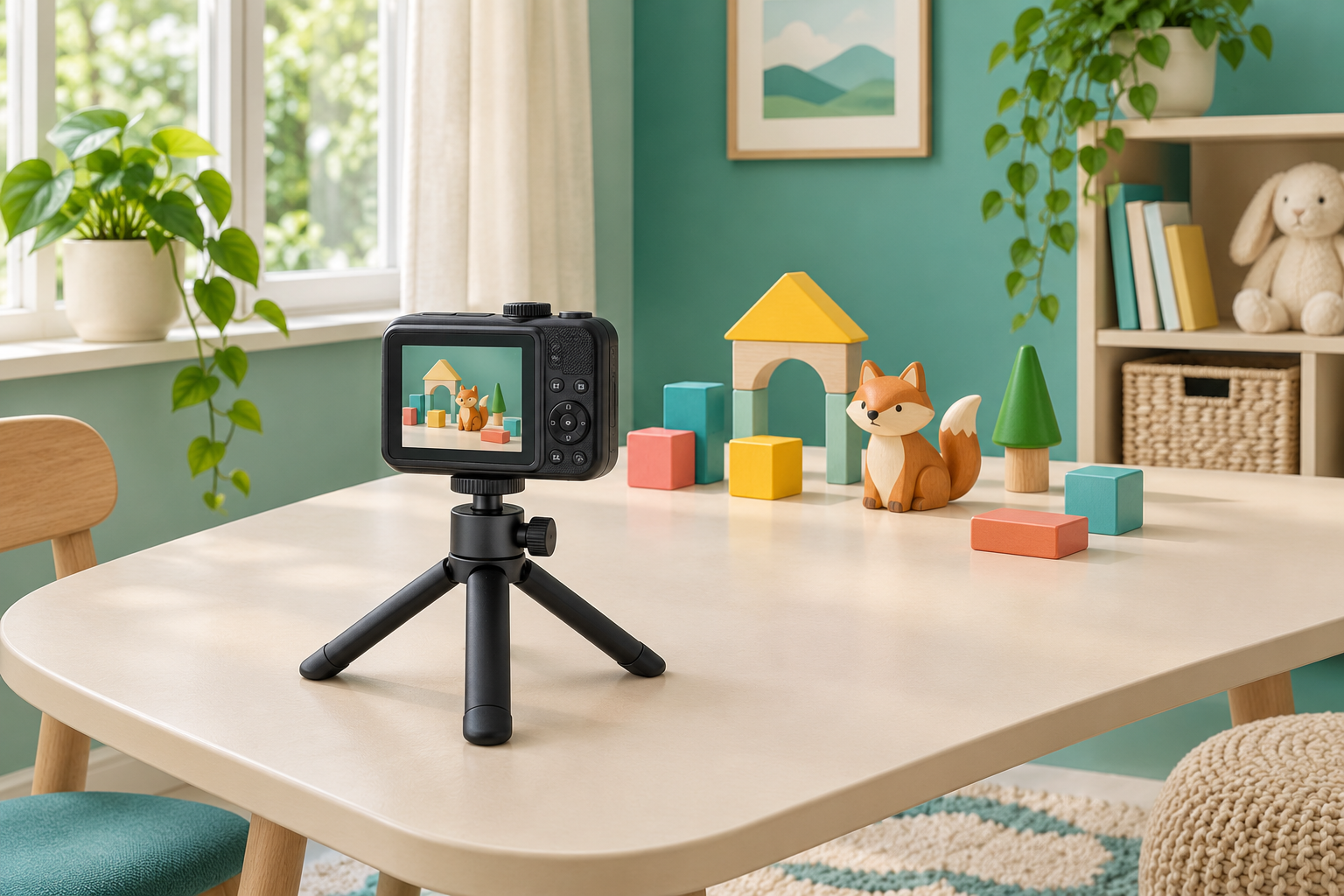
Illustration of a compact camera on a tabletop tripod facing wooden toys

Reviewed and updated: November 10, 2026

A wooden animal can cross a whole cardboard kingdom without the camera wandering after it. For a light camera that stays at one tabletop height, we recommend the Manfrotto PIXI. The PIXI EVO adds adjustable legs and vertical framing when your child’s project needs a different view. You set up and secure the support; your child directs the scene. The useful choice is how much adjustment helps the pictures they want to make.

A steady camera for a small world

These mini tripods support a compatible camera on a table; they are not toys, child safety devices or substitutes for a full-height tripod. The black PIXI here is the Made in Italy model MTPIXIMII-B, and the EVO is MTPIXIEVO-BK. Match the intended version when comparing packages. A little camera support makes sense for toy scenes, small animations or craft videos, provided the mounting and adult-managed setup fit the project.

PIXI weighs 170 g, stands 13.5 cm tall and supports up to 1 kg with a quarter-inch screw.

01

Manfrotto PIXI Mini Tripod — Black

Keep a light camera in position for a toy’s tabletop adventure.

Find in Amazon (paid link)

EVO has a 10.5–20 cm height range, portrait tilt and a 2.5 kg rated payload.

02

Manfrotto PIXI EVO 2-Section Mini Tripod — Black

Adjust the viewpoint for a taller toy scene or a portrait-shaped craft.

Find in Amazon (paid link)

Will your camera fit the support?

Look underneath the camera before choosing either support. It needs a compatible tripod socket, and its manual should permit tripod mounting. Some children’s cameras have a decorative recess rather than a usable threaded mount. Do not force a screw into plastic or assume that every compact camera has the same fitting. An adult should make the first attachment and confirm that nothing obstructs the lens or controls.

A phone requires a suitable separate holder unless the exact package explicitly includes one. Check the holder’s mounting thread, device-size range, and grip arrangement. Include that holder in the total load. The tripod’s name alone does not tell you what comes in a bundle, and a picture showing a phone is not evidence that a clamp is supplied.

PIXI keeps the view still while the story moves

PIXI’s fixed-height setup leaves fewer adjustments between your child and the story. On a wide, level table, an adult can frame the scene while the child decides how the toy moves through it. Keeping the camera in place makes changes in the subject easier to notice. Its lower 170 g carrying weight can also suit a small project bag, although the camera and mounting accessories add to what you will carry.

The fixed viewpoint is also its limit. If the scene sits too high, move the subject to a suitable place rather than balancing the tripod on books or a narrow box. Our toy-photo game works well with a consistent camera position: moving a toy closer can make it look enormous beside the others, without changing the support. The child controls the surprise inside the frame.

EVO makes room for a different angle

EVO earns its extra adjustments when they help a particular idea. A low angle can make a toy tower look grand; a little more height can reveal the scene behind it. Portrait framing may suit a tall drawing or a narrow craft display. Those are useful reasons to buy this model. Its larger load rating alone does not make it the better support for every small camera or every tabletop story.

More controls also mean more setup decisions. An adult should adjust and secure the support before the child takes over. Recheck balance after changing camera orientation, extending legs, or adding an accessory. A camera moved sideways changes where its weight sits. The published payload is a limit to respect, not a promise that any camera shape will remain balanced in every position.

The balance check for grown-ups

Count the camera, attached lens, mounting accessory, and anything else supported by the head. A compact body with a projecting lens can behave differently from a small, evenly balanced camera even when both weigh less than the stated limit. Keep the setup conservative, follow the equipment instructions, and support the camera while making adjustments. Do not test stability by deliberately pushing it toward a fall.

A tripod holds the camera still, but a racing toy can still blur. Good light and a manageable scene matter too. Our one-window photo project offers an easy starting point with a patient subject. Position the table so your child can reach the scene without leaning across the camera. A support is most useful when it helps them notice changes, rather than getting in the way of their hands.

What will the first little film show?

Picture the view before buying. For animation, check that the camera or family app can capture the needed frames. For a craft video, decide whether you need a forward-facing or overhead view: neither mini tripod provides an overhead arm. A self-portrait needs a suitable timer and framing too. A little planning avoids buying a tabletop support for a job that really calls for a different mount or standing height.

For a first adventure, let a wooden animal move through a block scene in six still photographs. Keep the camera fixed, let your child move the toy a little each time, and review the sequence together. The character might find a tunnel or discover a biscuit-shaped treasure. Our photo-story guide gives that small beginning room to grow without needing another accessory straight away.

Let your child direct while you adjust

Your child can direct the composition while an adult handles the head: a little higher, a little lower, or slightly left. That keeps creative control with the young photographer without making mounting hardware part of the game. Think about how often the camera will move between supported and handheld pictures. An adult needs time to detach and remount it safely, so a ready-framed scene may suit an independent child better than constant adjustments.

Give the miniature studio a safe spot

Use a broad, stable surface and keep every foot well inside its edges. Clear drinks, dangling charging leads, and loose straps from the work area. Children should stop handling the tripod once the camera is positioned. An adult should stay nearby and manage mounting, folding, and adjustments, keeping fingers clear of moving joints. Put the camera away before the table becomes a play surface again.

Our recommendation

We would buy PIXI for a compatible light camera and a simple fixed-height scene. EVO is worth considering when adjustable height or portrait framing has a clear job in the project. Check the package contents, mounting fit and complete load before ordering. If the camera lacks the right socket or the idea needs standing height, look for another support. The aim is a steady place for your child’s ideas, with an adult taking care of the hardware.

Polaroid Small vs. Go Pocket Photo Album: Match the Film First

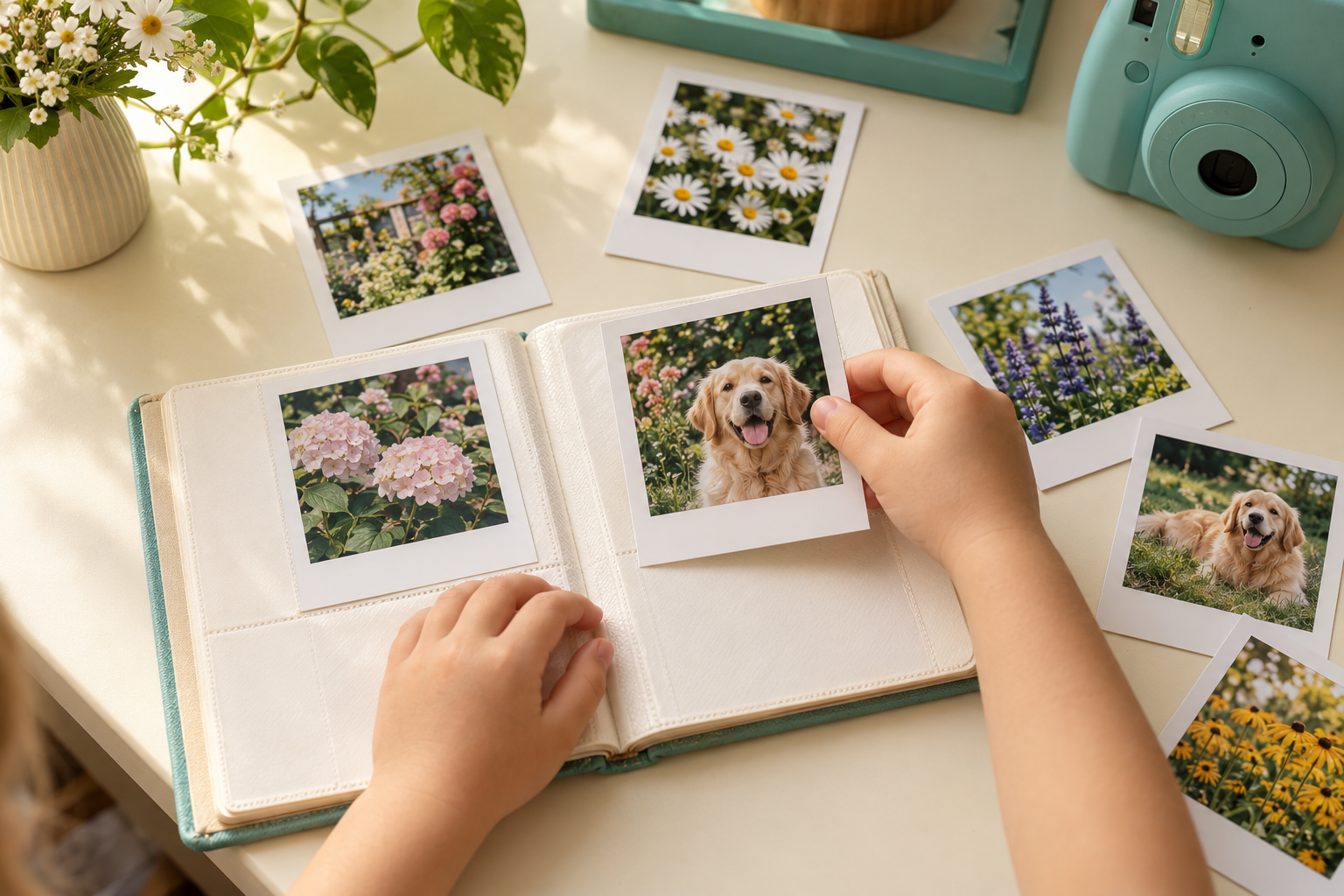
A child organizing instant photographs in a generic album; verify actual album and film compatibility separately

Reviewed and updated: November 10, 2026 A child organizing instant photographs in a generic album; verify actual album and film compatibility separately. A little photo album can become your child’s book of favourite people, funny toy portraits and small adventures. With these two Polaroid albums, the film format decides which one to buy: the Small … Read more

Best Instant Cameras for Family Photo Projects

Best Instant Cameras for Family Photo Projects

Reviewed and updated: November 10, 2026 A toy portrait can become a scrapbook treasure, and a birthday guest can leave a photograph beside a message. Instant cameras make those little keepsakes part of the activity. We would begin with the instax Mini 12 for simple supervised film photography, compare Polaroid Go Generation 2 for its … Read more

Best Action Cameras for Kids and Family Trips

Best Action Cameras for Kids and Family Trips

Reviewed and updated: November 10, 2026 An action camera can give your child a new way to tell the story of a family outing, from a short clip at a safe stopping place to a view you arrange together. We would compare GoPro HERO for simpler supervised use, HERO13 Black for an older child growing … Read more